Advertisement
Stay connected with friends and family on Twitter
Follow your favorite celebrities and stay updated on their latest news
Share your thoughts and opinions with a global audience on Twitter
Advertisement
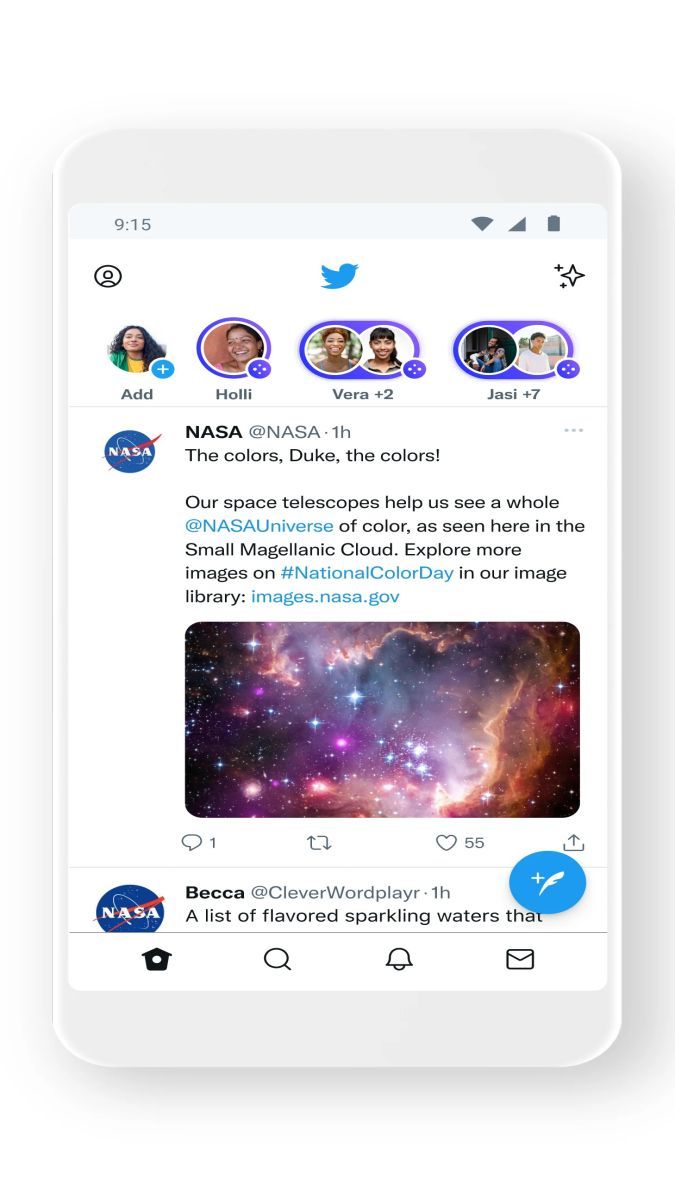
Twitter is a social networking platform that has taken the world by storm, connecting millions of users to share their thoughts, updates, and experiences in real-time. With its user-friendly interface and diverse range of features, Twitter has become a go-to platform for staying informed, entertained, and connected with people and topics that matter to you.
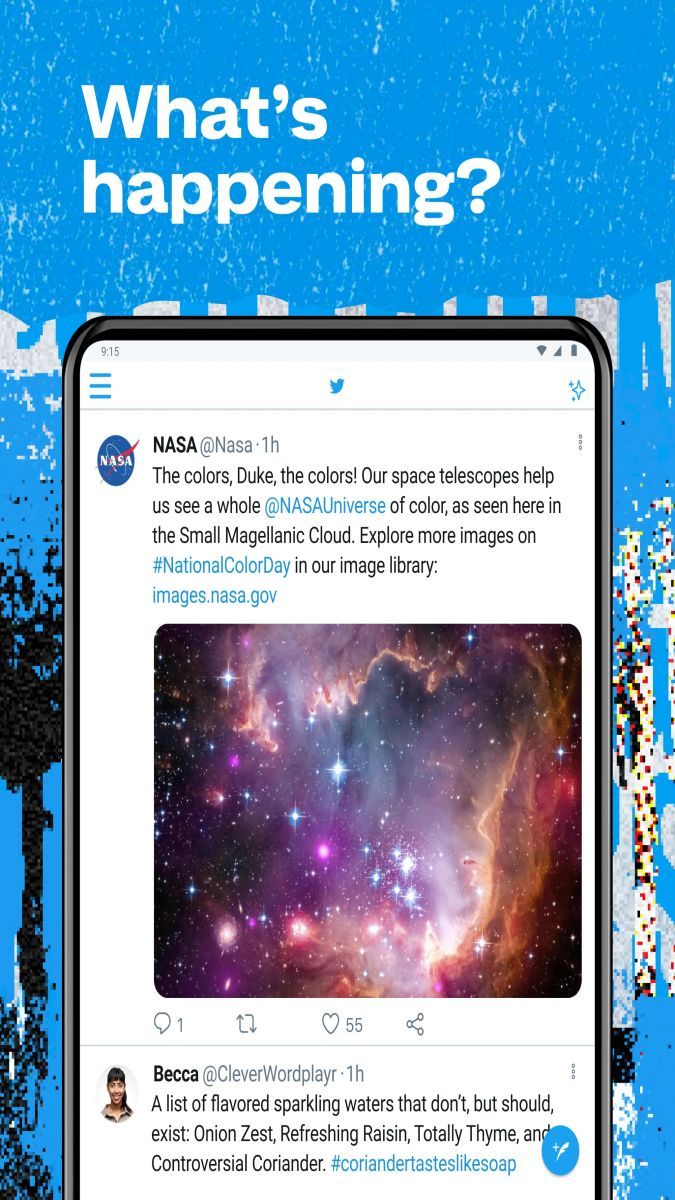
One of the core features of Twitter is its micro-blogging format, allowing users to post short updates known as "tweets" of up to 280 characters. This concise format encourages quick and engaging communication, making it easy to share thoughts, links, photos, and videos with your followers.
Besides tweeting, users can also engage with others by liking, retweeting, and replying to tweets, fostering conversations and interactions around trending topics, news, and events. Twitter's search function enables users to discover and follow accounts based on their interests, from celebrities and brands to influencers and news outlets.
Twitter offers a unique blend of real-time updates and diverse perspectives, making it a valuable source of information and entertainment. Whether you're looking for breaking news, live event coverage, or simply want to engage with like-minded individuals, Twitter provides a dynamic and interactive space to stay connected with the world.
From following your favorite celebrities to participating in viral challenges, Twitter caters to a wide range of interests and activities. Users often turn to Twitter to engage in discussions, share experiences, promote their work, or simply have fun exploring the latest trends and memes circulating on the platform.
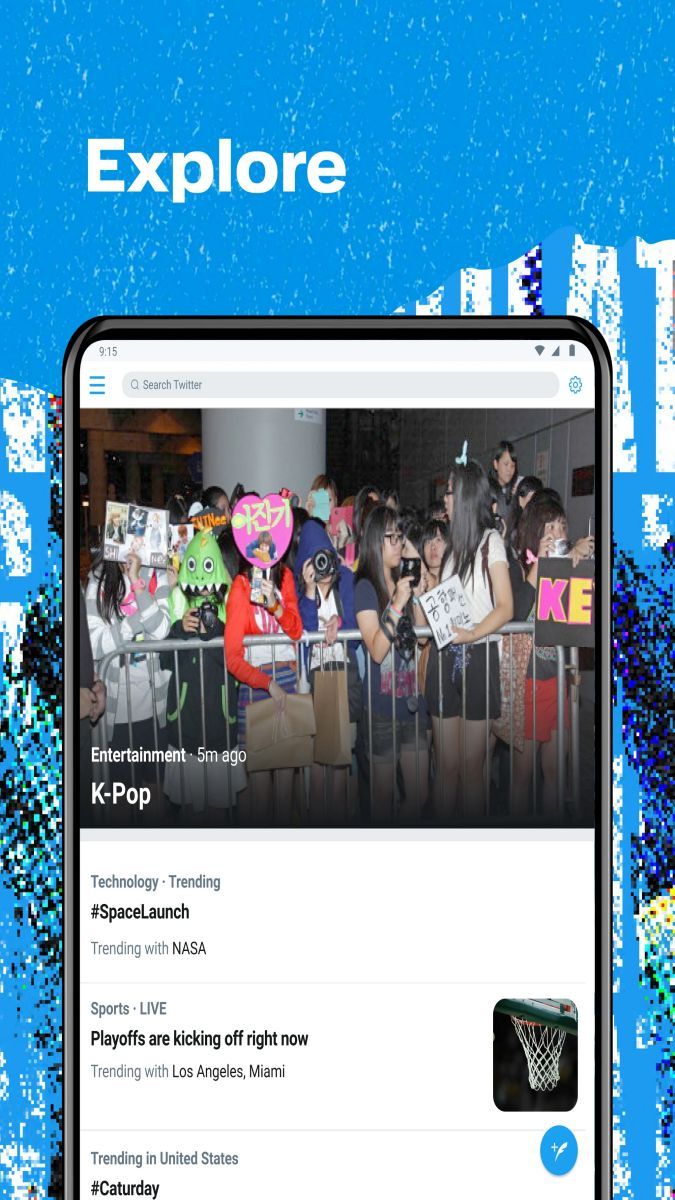
Twitter's character limit encourages concise and impactful communication, making it easy to consume and share content on the go. Its trending topics feature highlights popular conversations and hashtags, enabling users to join in global discussions and stay updated on the latest trends and news.
Furthermore, Twitter's direct messaging feature allows users to have private conversations with individuals or groups, fostering more personalized interactions beyond the public timeline.
While Twitter offers a dynamic and engaging platform, it's essential to be mindful of privacy settings and online etiquette. Users should also be aware of the spread of misinformation and online trolls, ensuring they verify sources and engage in respectful discussions with others.
Overall, Twitter provides a vibrant and interactive space for users to connect, engage, and explore a wide range of topics and interests in real-time.
Advertisement
To compose a tweet on Twitter, simply click on the 'Tweet' button on the homepage or tap the compose icon on the mobile app.
Yes, you can retweet someone else's tweet on Twitter by clicking on the 'Retweet' button below the tweet.
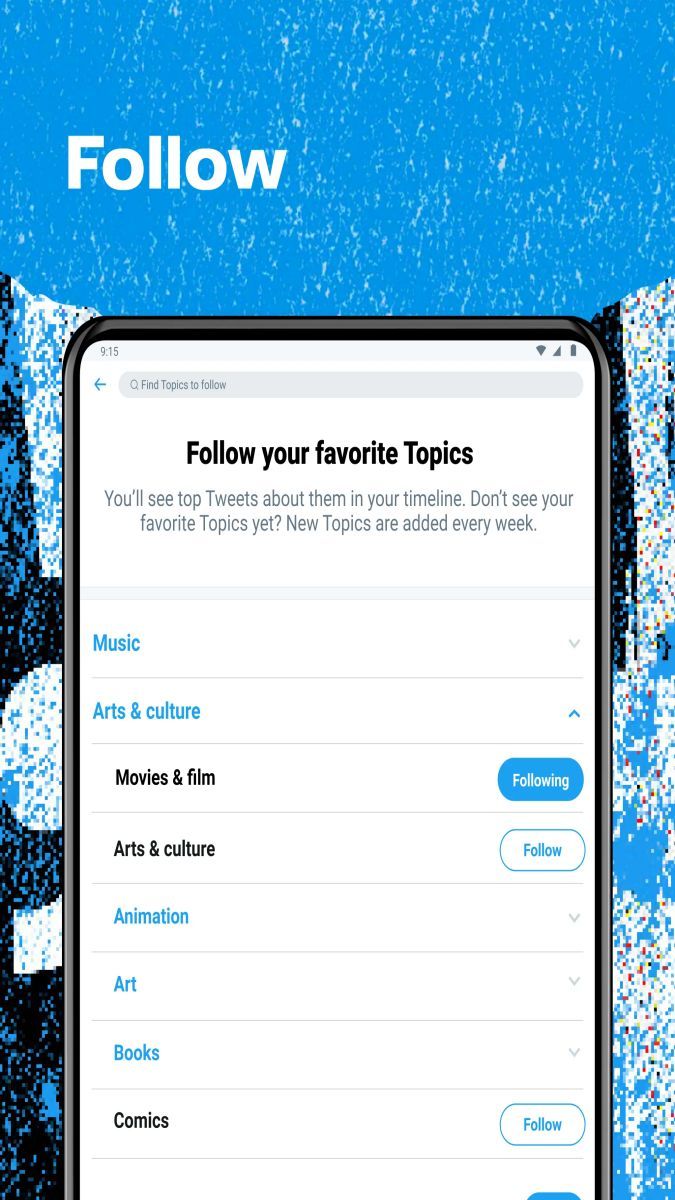
To follow someone on Twitter, go to their profile and click on the 'Follow' button.
A hashtag on Twitter is a word or phrase preceded by the '#' symbol, used to identify messages on a specific topic.
To send a direct message on Twitter, go to the recipient's profile, click on the message icon, and compose your message.