Advertisement
Access all your Google services in one place
Store and backup your files with Google One
Upgrade your storage and enjoy premium features with Google One
Advertisement
Google One is a must-have app for those who are constantly running out of storage space on their devices and looking for a seamless solution to manage their files. As a user-friendly storage management tool, Google One offers a range of features and benefits that enhance the way you store, access, and share your files.
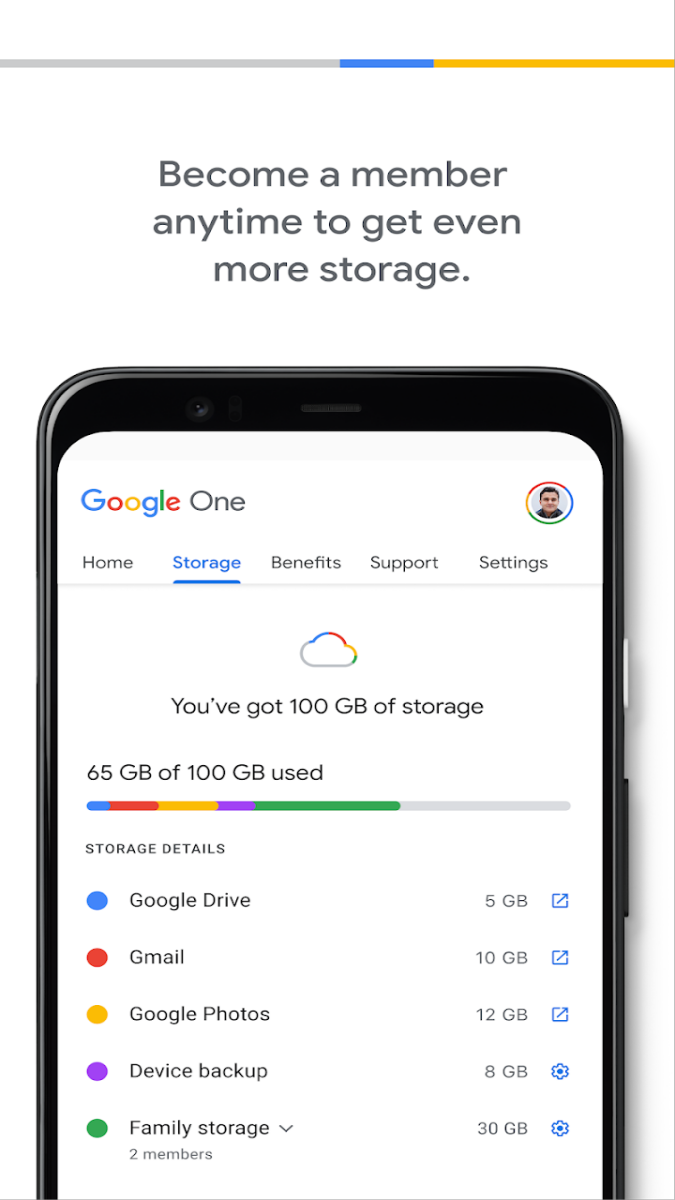
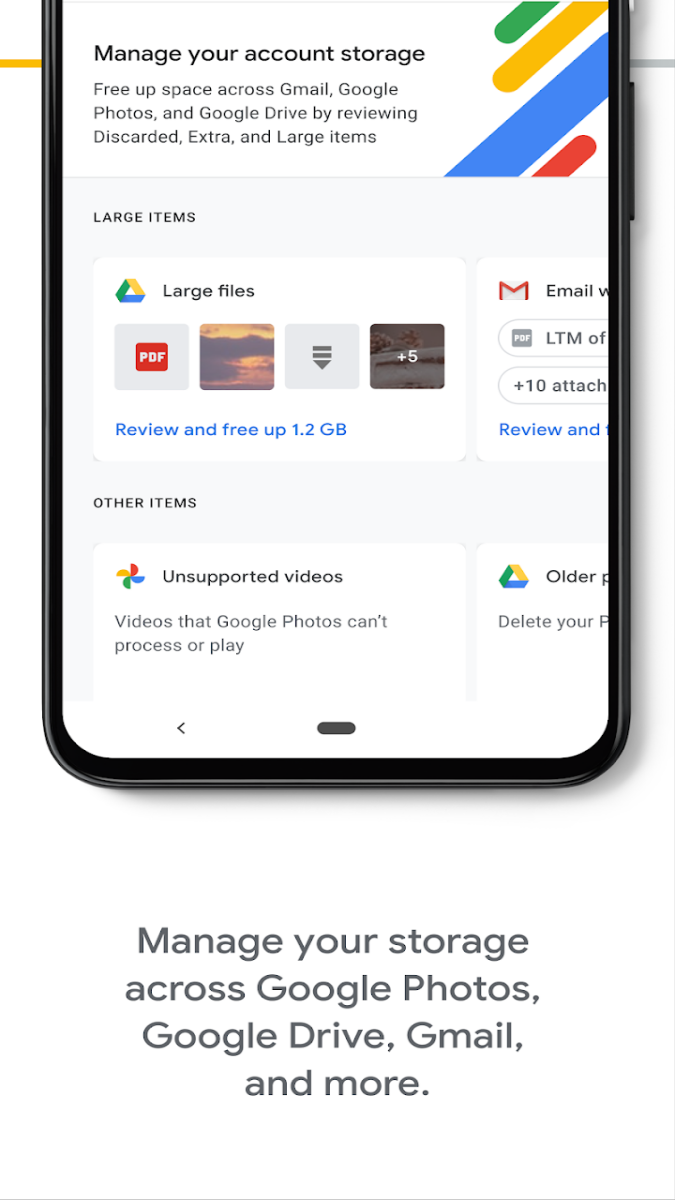
Google One provides users with additional cloud storage space that can be used across Google Drive, Gmail, and Google Photos. With the app, you can easily back up your files, photos, and videos, ensuring that your precious memories are safe and secure. Moreover, Google One allows you to access your files from any device and share them with others effortlessly.
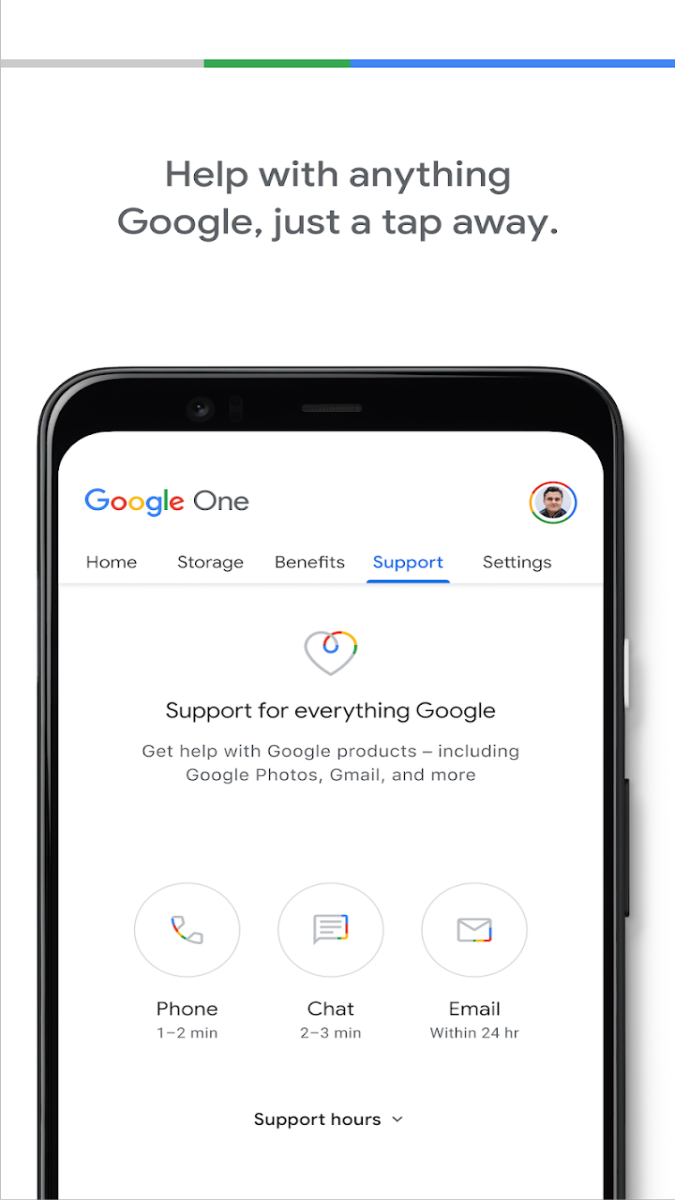
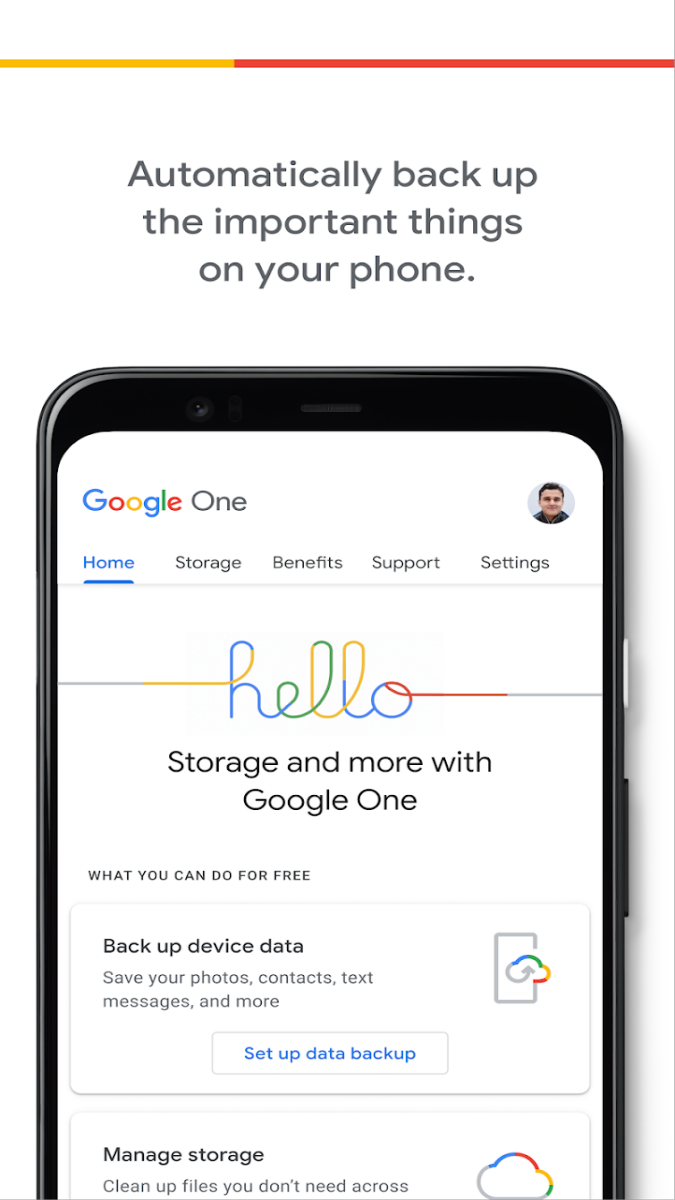
By using Google One, users can free up space on their devices and avoid the frustration of receiving storage full notifications. The app also offers automatic phone backup, which means you never have to worry about losing important data. Additionally, Google One provides 24/7 access to Google experts for any questions or issues you may encounter.
Google One is ideal for individuals who have multiple devices and need a centralized storage solution. Whether you want to free up space on your phone, back up important documents, or collaborate on files with others, Google One streamlines the process and ensures that your data is always accessible.
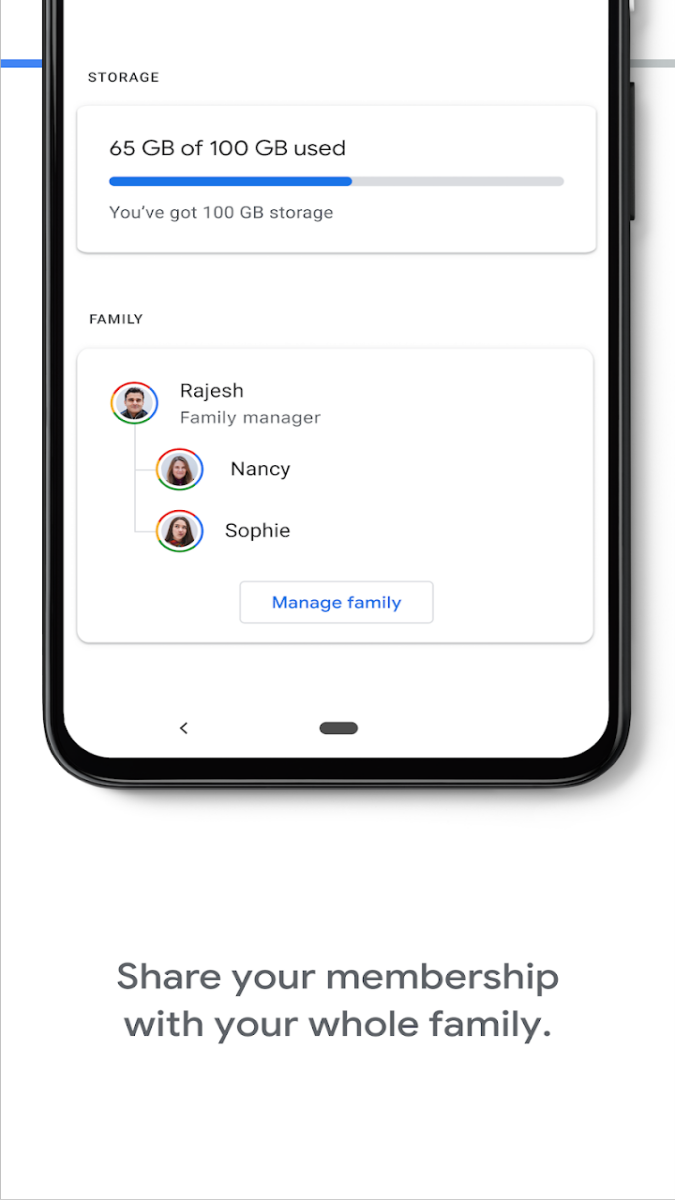
One of the standout features of Google One is the ability to share your storage plan with your family. This means that you can manage storage for yourself and your family members, making it a cost-effective and convenient option for households. Additionally, Google One offers various membership plans to suit different needs and budgets.
While Google One offers a seamless storage solution, it is important to note that the app requires a Google account to access its features. Users should also be mindful of their data usage when utilizing the app's backup and sync functionalities to avoid unexpected charges.
Overall, Google One is a versatile tool that simplifies storage management and enhances the way you interact with your files. With its user-friendly interface and array of features, Google One is the go-to app for individuals looking to optimize their storage space and ensure their data is always secure.
Advertisement
Google One is a subscription service that gives you expanded storage, helps you get more out of Google, and provides you with expert support.
You can sign up for Google One through the Google One website or the Google One app on your mobile device.
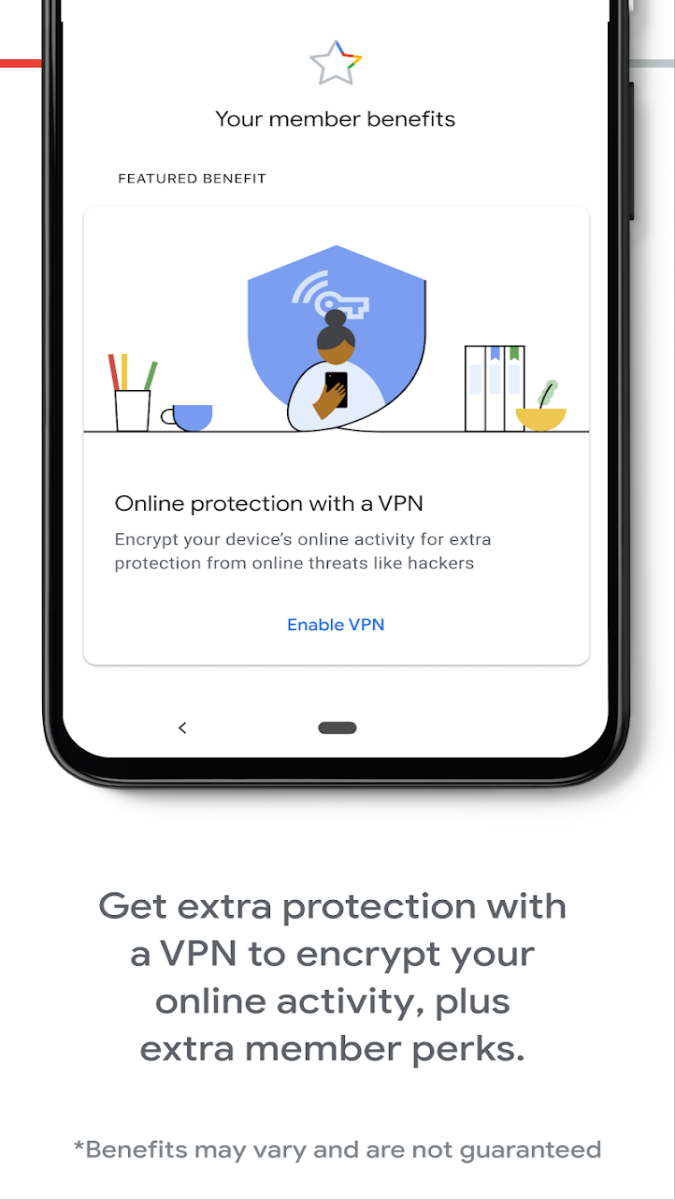
Google One offers benefits such as additional cloud storage, access to Google experts, family sharing, and exclusive member rewards.
Yes, Google One allows you to share your subscription with up to 5 family members, giving them access to the same benefits.
You can manage your Google One subscription, including upgrading or downgrading your plan, through the Google One website or app.