Advertisement
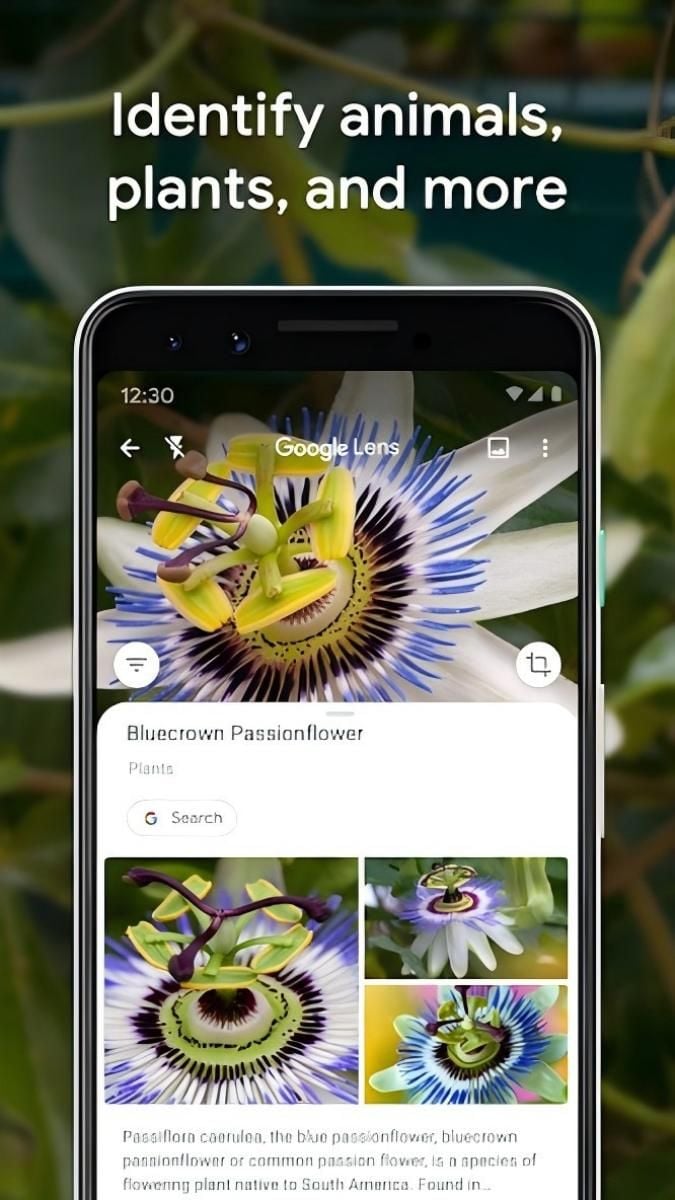
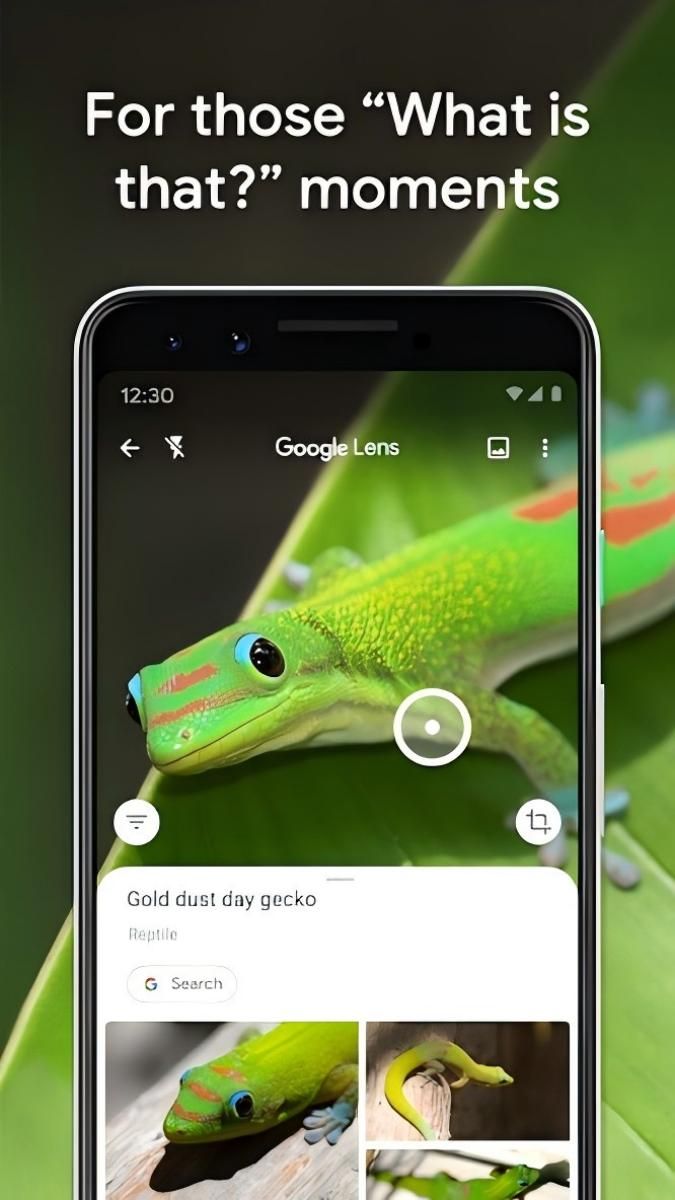
Identify objects with your camera
Translate text in real-time
Explore landmarks with augmented reality
Advertisement
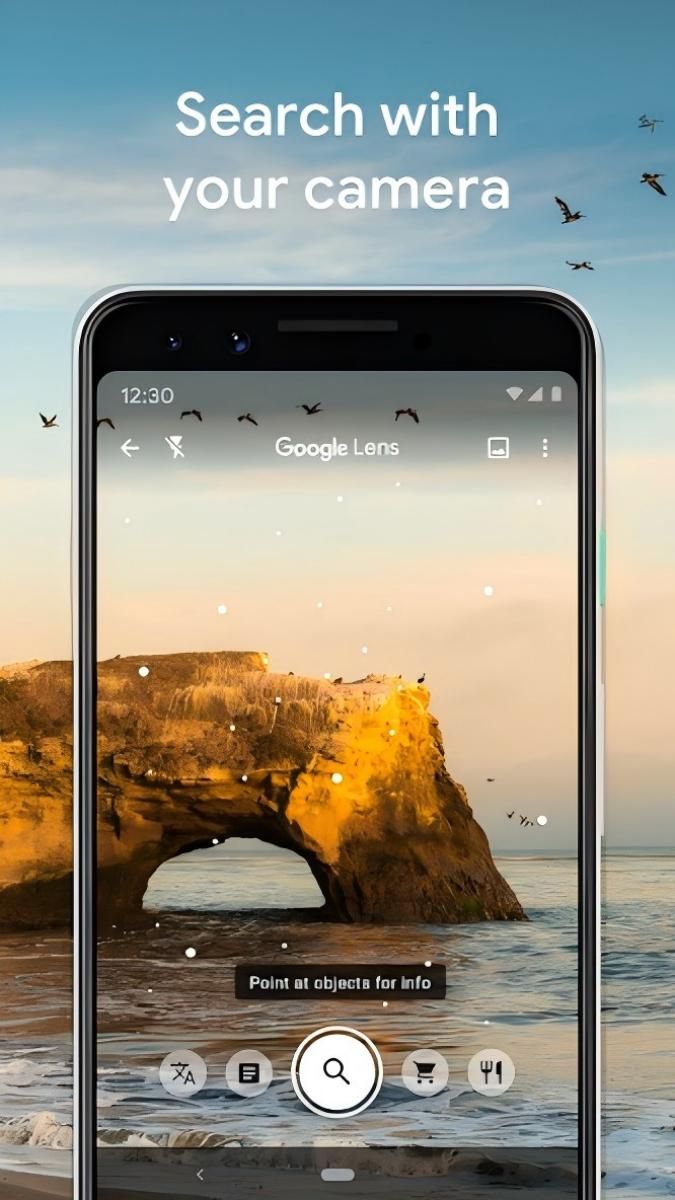
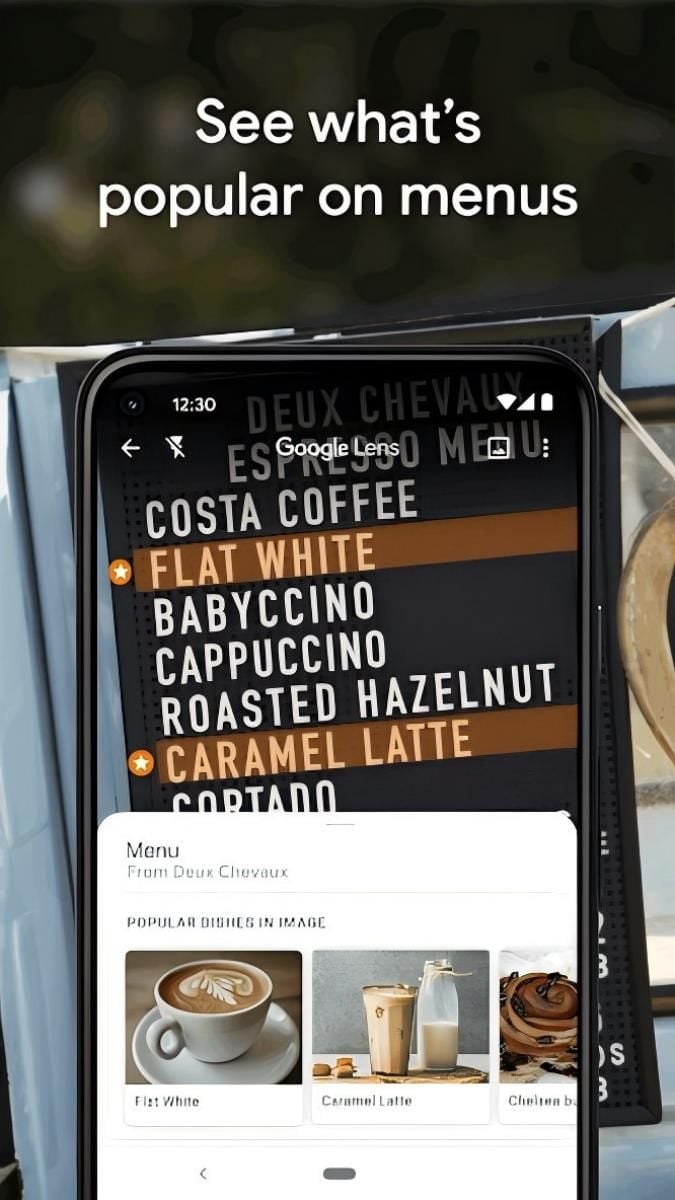
Google Lens is a cutting-edge visual search tool that allows users to explore and interact with the world around them in new and exciting ways. Whether you're looking for information on a landmark, identifying a plant, or translating a menu in a foreign language, Google Lens has got you covered.
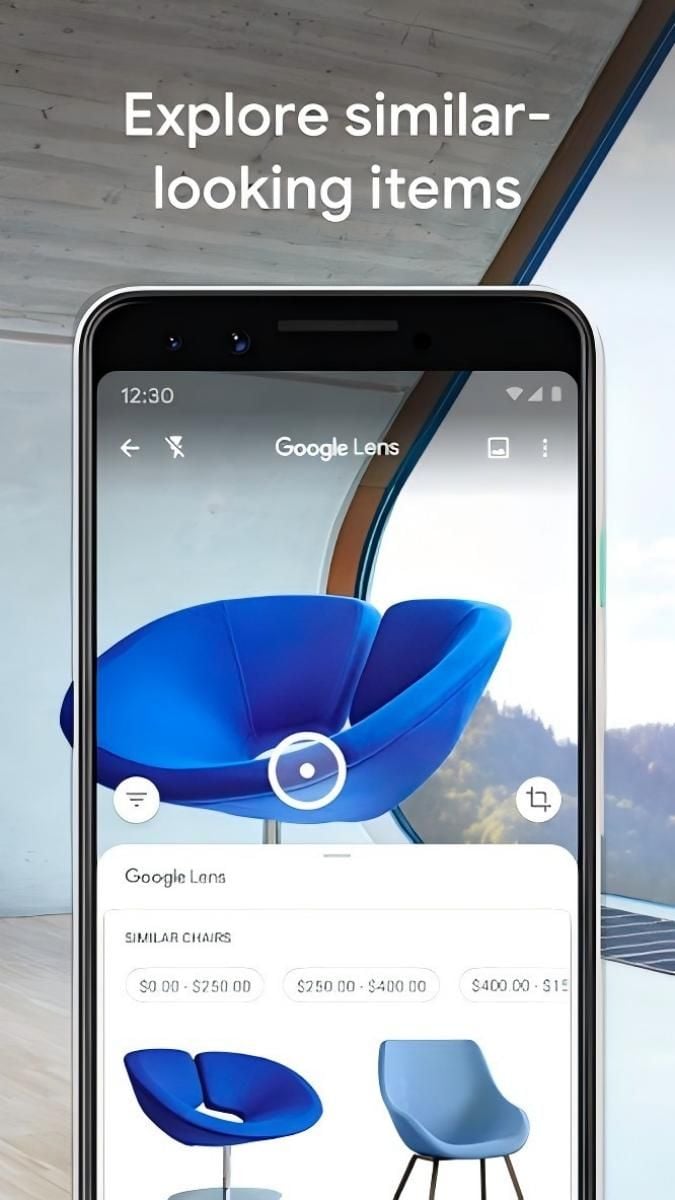
One of the core functions of Google Lens is visual search, which allows users to simply point their camera at an object to receive relevant information about it. This feature is incredibly useful for identifying plants, animals, landmarks, and even products for online shopping.
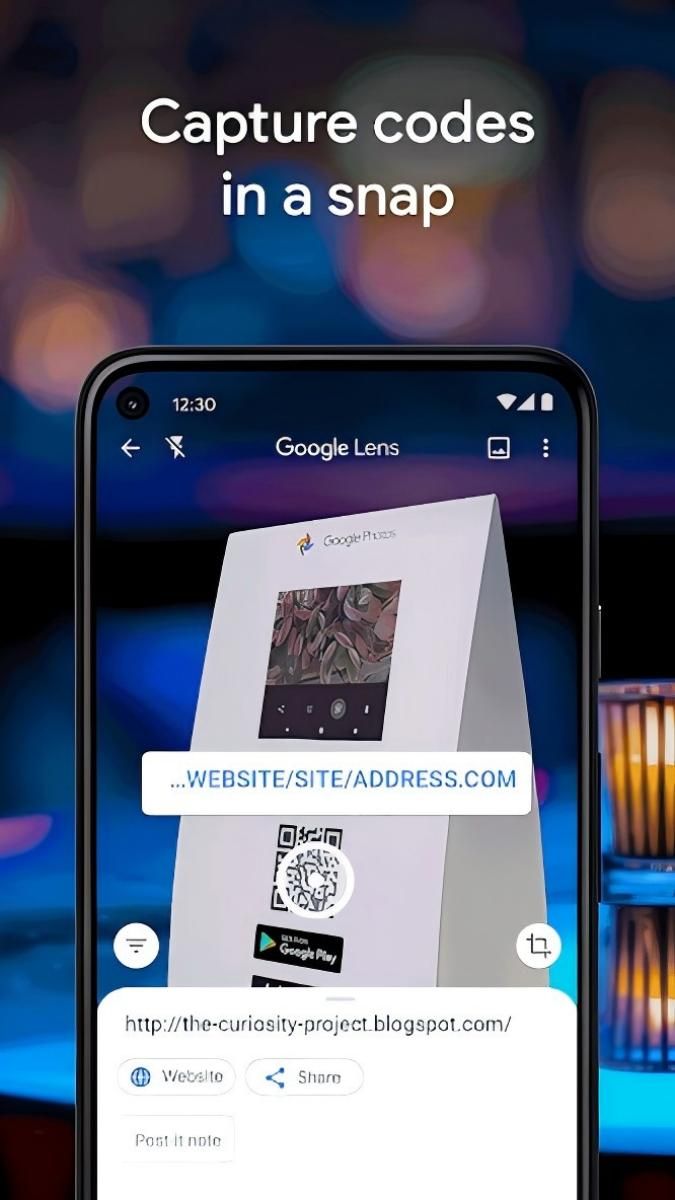
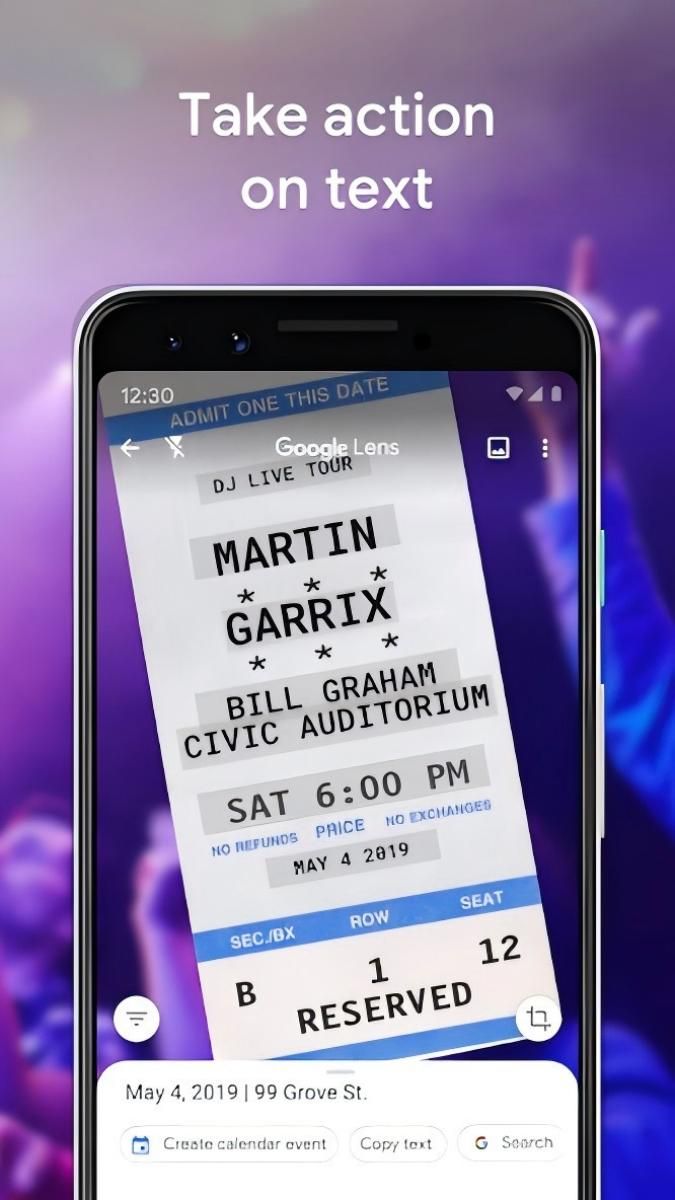
Additionally, Google Lens offers text recognition capabilities, making it easy to copy and paste text from the real world directly to your phone. This is perfect for quickly saving important information or translating text into your preferred language.
Google Lens streamlines the process of gathering information from the physical world, eliminating the need for manual searches or typing. Its intuitive interface and seamless integration with other Google services ensure a smooth and efficient user experience.
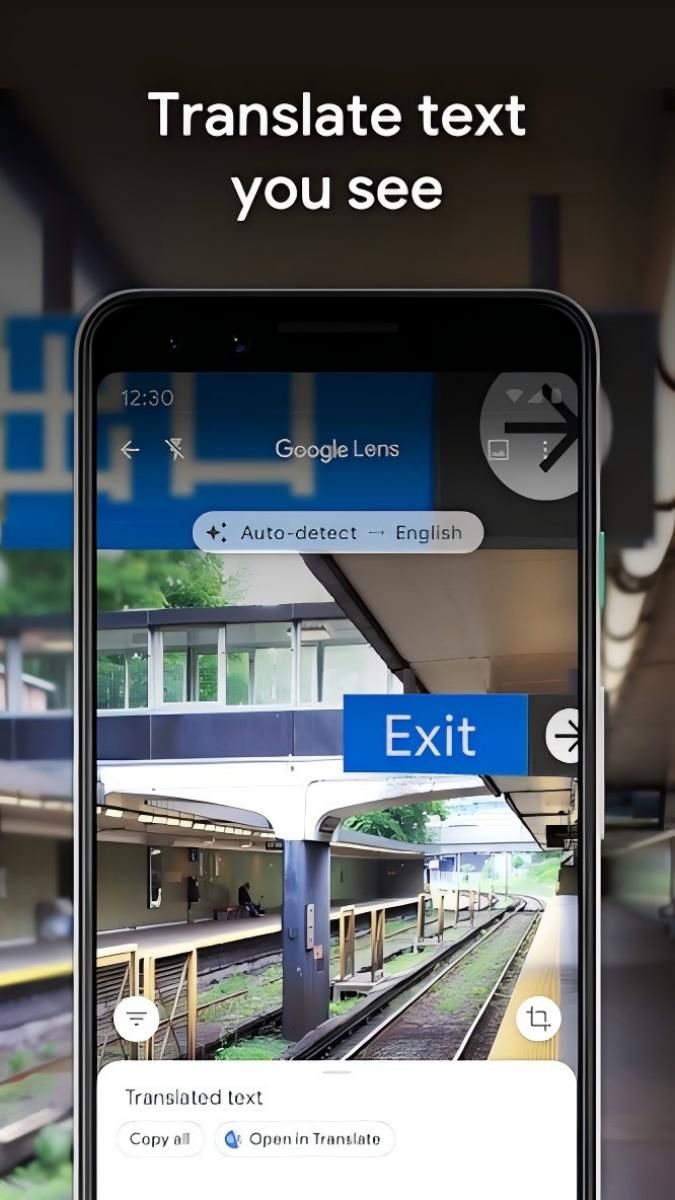
Imagine you're traveling in a foreign country and come across a sign in a language you don't understand. With Google Lens, you can simply point your camera at the text to receive an instant translation, making navigation and communication hassle-free.
Similarly, students can use Google Lens to scan and digitize notes from class, ensuring that important information is easily accessible and organized for study purposes.
What sets Google Lens apart is its advanced image recognition technology, which allows for accurate and reliable results across a wide range of objects and languages. The app's seamless integration with Google's ecosystem also enhances its functionality and convenience for users.
While Google Lens excels in recognizing a variety of objects and text, its performance may vary in low-light conditions or with complex images. Additionally, users should be mindful of privacy concerns when using the app to scan and analyze personal information.
Overall, Google Lens is a powerful tool that opens up a world of possibilities for visual exploration and information retrieval. With its innovative features and user-friendly interface, it's a must-have app for anyone looking to enhance their everyday experiences.
Advertisement
Google Lens is an image recognition technology developed by Google that allows users to search what they see through a camera or a photo.
You can use Google Lens by opening the Google Lens app, pointing your camera at an object, and tapping on the screen to search for information about that object.
Yes, Google Lens can translate text from one language to another by simply pointing your camera at the text you want to translate.
Some features of Google Lens can work offline, such as translating text, identifying objects, and scanning QR codes.
Google Lens is available on most Android devices through the Google Photos app, Google Assistant, or as a standalone app on some devices.