Advertisement
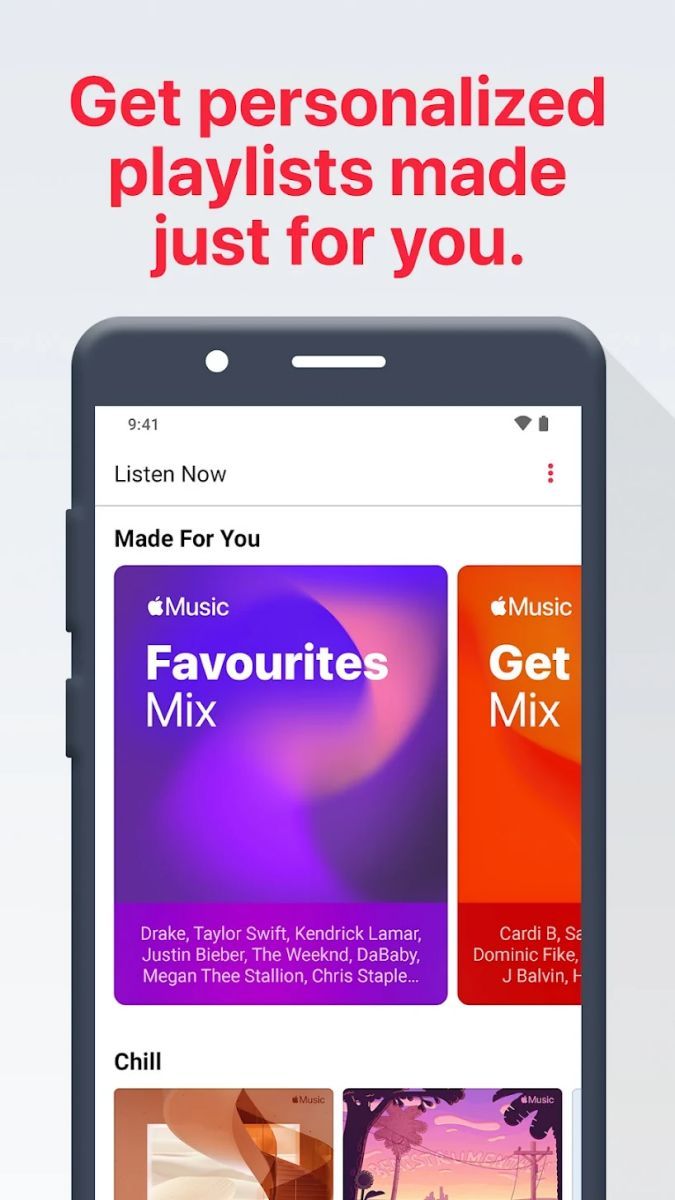
Discover new music tailored to your taste
Create personalized playlists for any mood
Enjoy unlimited streaming of your favorite songs
Advertisement
Apple Music is a popular music streaming service that offers a vast library of songs, albums, playlists, and more for music lovers to explore and enjoy. With its user-friendly interface and extensive features, Apple Music provides an immersive music experience for users of all ages and tastes.
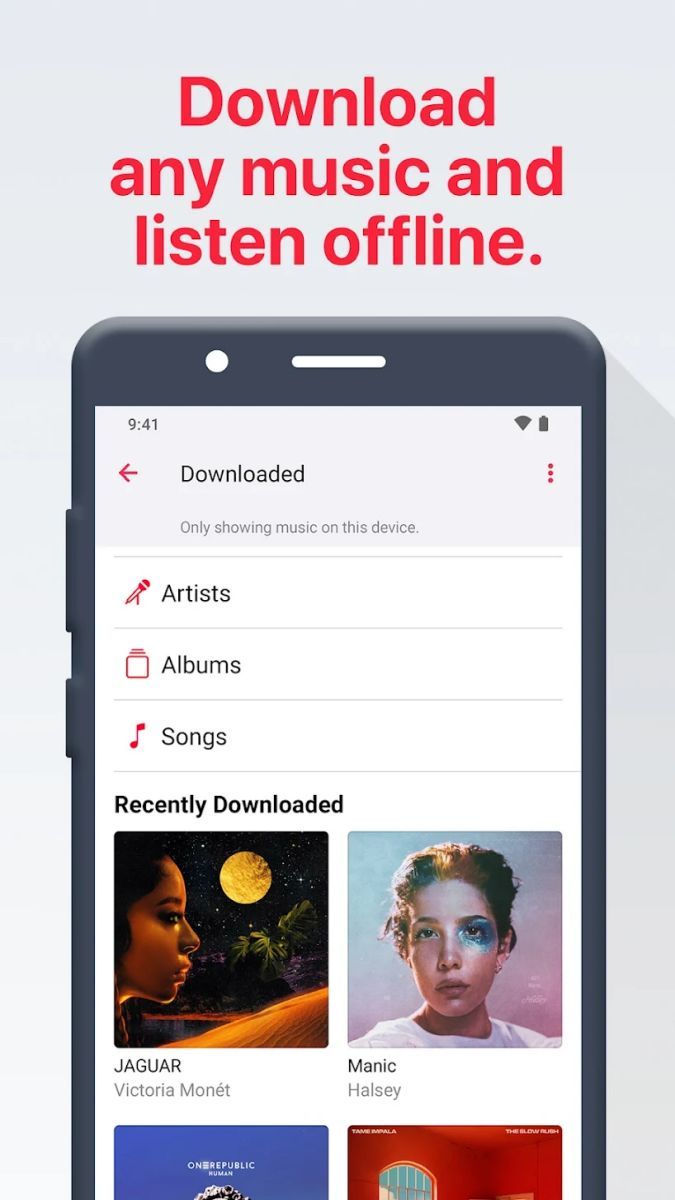
One of the key features of Apple Music is its extensive music catalog, which includes millions of songs from various genres and artists. Users can easily search for their favorite songs, albums, or artists and create personalized playlists to suit their mood or occasion. In addition to streaming music online, Apple Music also allows users to download songs for offline listening, making it convenient for on-the-go music enjoyment.
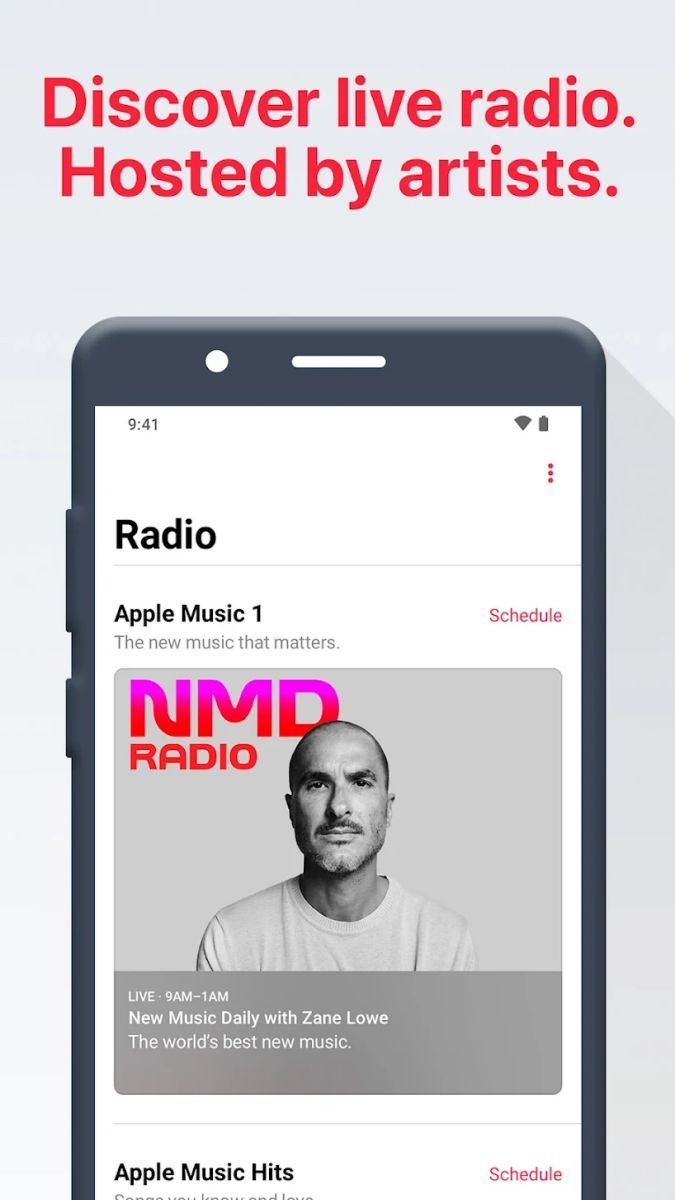
Apple Music not only offers a wide selection of music but also provides curated playlists, radio shows, and exclusive content for users to discover new music and stay updated with the latest releases. The app's recommendation algorithm helps users explore new artists and genres based on their listening preferences, enhancing their music discovery experience.
Whether you are commuting to work, working out at the gym, or relaxing at home, Apple Music caters to all your music needs. Users can easily create custom playlists for different activities or moods, ensuring that they always have the perfect soundtrack for any moment.
One of the unique advantages of Apple Music is its seamless integration with other Apple devices and services. Users can access their music library across multiple devices, sync playlists, and even use Siri voice commands to control playback, making the music listening experience more convenient and enjoyable.
While Apple Music offers a great music streaming experience, it is important to note that the service requires a subscription for full access to all features. Users should also ensure a stable internet connection for uninterrupted music streaming and downloads.
Advertisement
You can listen to music on Apple Music by subscribing to the service and accessing the vast library of songs available.
Yes, you can download songs for offline listening on Apple Music by adding them to your library and enabling the download option.
Yes, Apple Music offers curated playlists across various genres and moods to cater to different music preferences.
Yes, you can share your Apple Music subscription with family members through the Family Sharing feature.
Yes, Apple Music is available on multiple devices including iPhones, iPads, Macs, Apple Watch, and Android devices.