Advertisement
Edit your photos like a pro with Snapseed
Enhance colors and details with Snapseed's powerful tools
Transform your images with creative filters in Snapseed
Advertisement
Are you a photography enthusiast looking to take your photo editing skills to the next level? Look no further than Snapseed – a powerful and versatile photo editing app that offers a wide range of tools and features to help you enhance your images with ease.
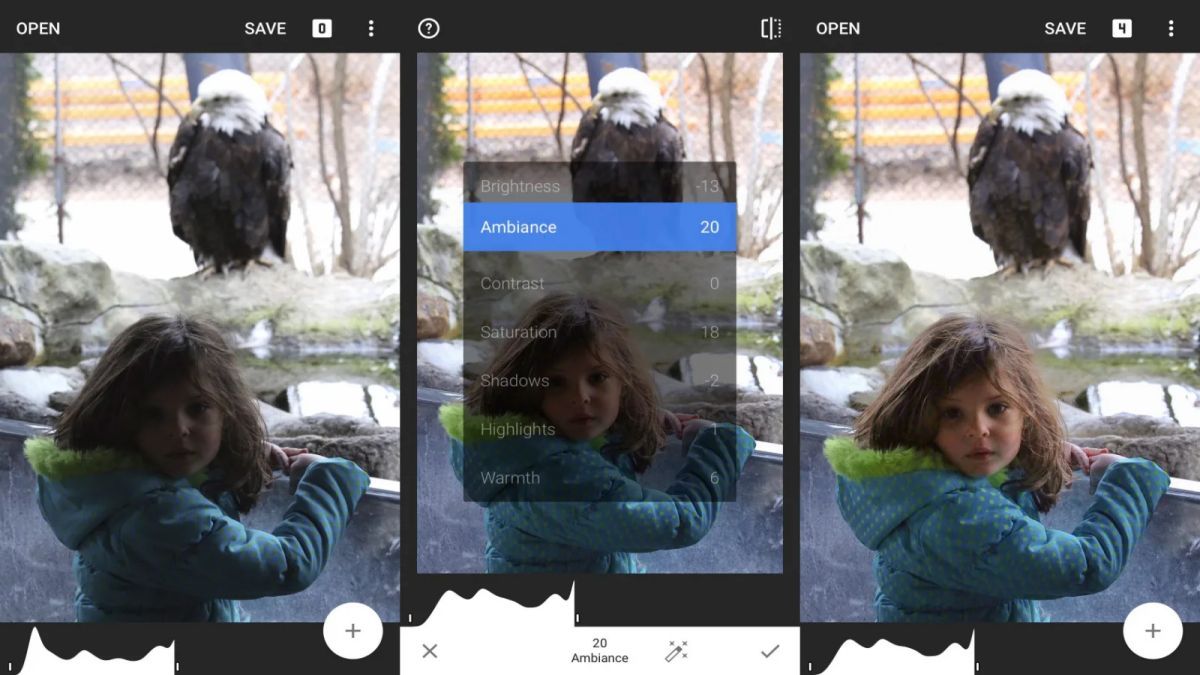
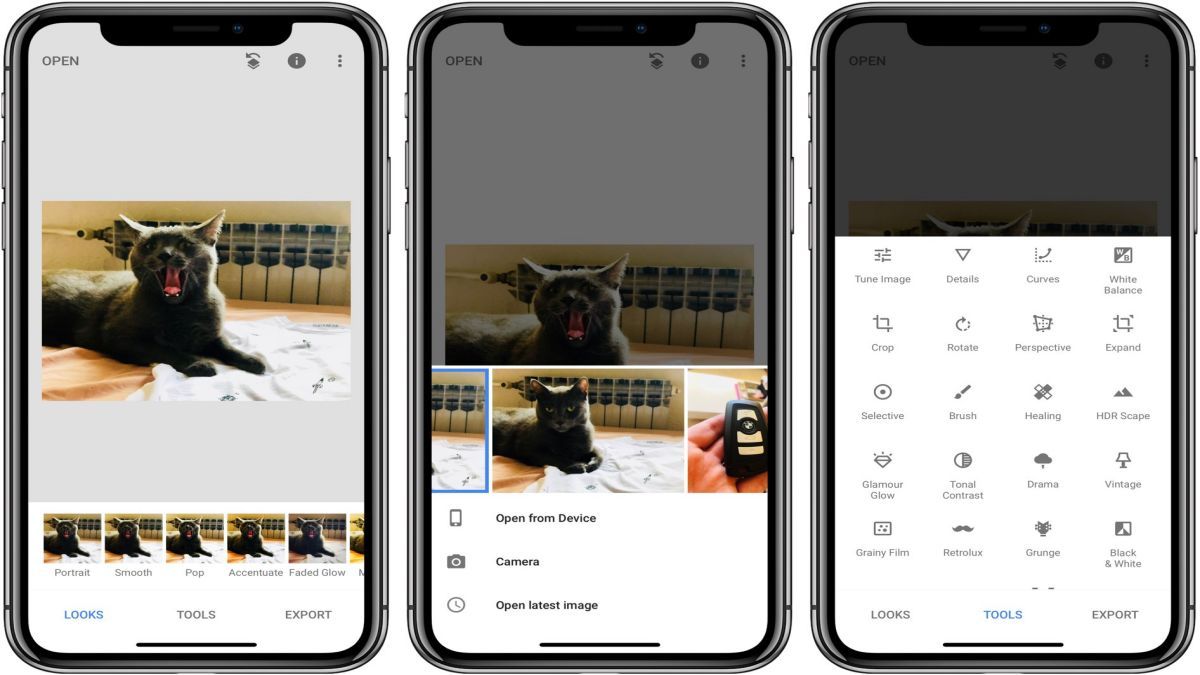
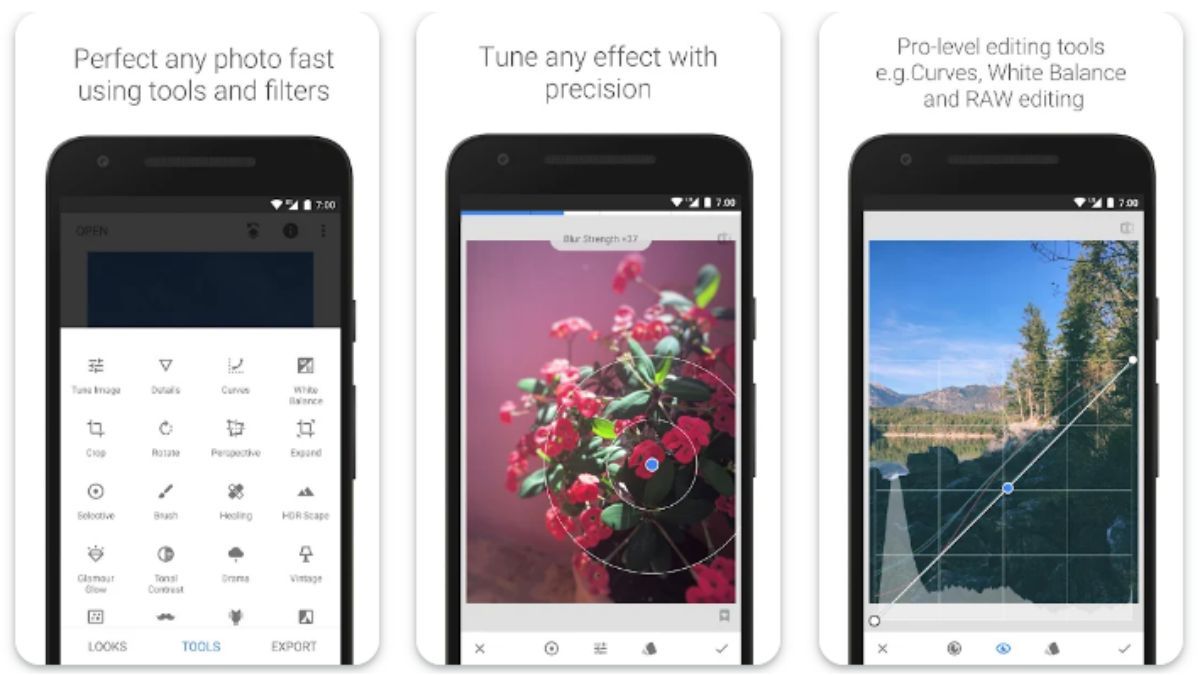
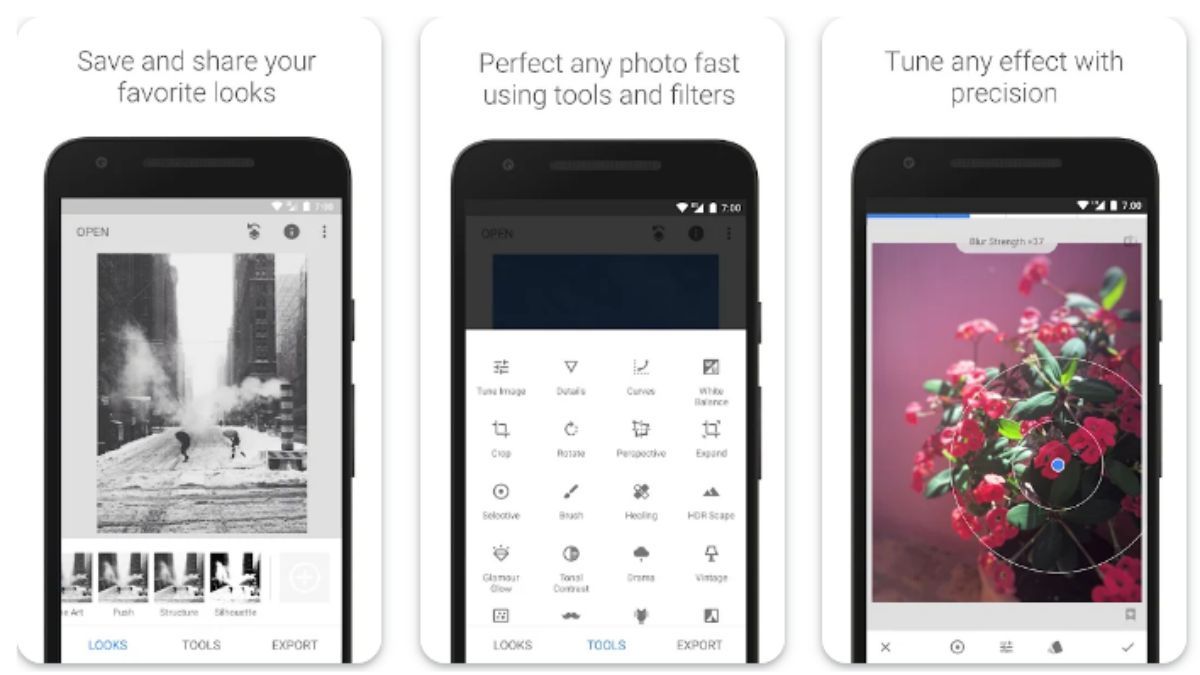
Snapseed is equipped with a variety of editing tools such as Tune Image, Details, Crop, Rotate, White Balance, and many more. Whether you are looking to adjust the brightness, contrast, or colors of your photos, or add creative effects, Snapseed has got you covered. The app also offers advanced features like selective editing and perspective correction, allowing you to fine-tune your images with precision.
With its user-friendly interface and intuitive controls, Snapseed makes photo editing a breeze for both beginners and advanced users. The app provides non-destructive editing, meaning you can experiment with different effects and adjustments without altering the original image. This ensures that you can always revert to the original photo if needed, giving you the freedom to explore your creativity without limitations.
Snapseed is perfect for a wide range of photography enthusiasts, including hobbyists, professionals, and social media influencers. Whether you want to enhance your travel photos, create stunning portraits, or elevate your Instagram feed, Snapseed offers the tools you need to make your images stand out.
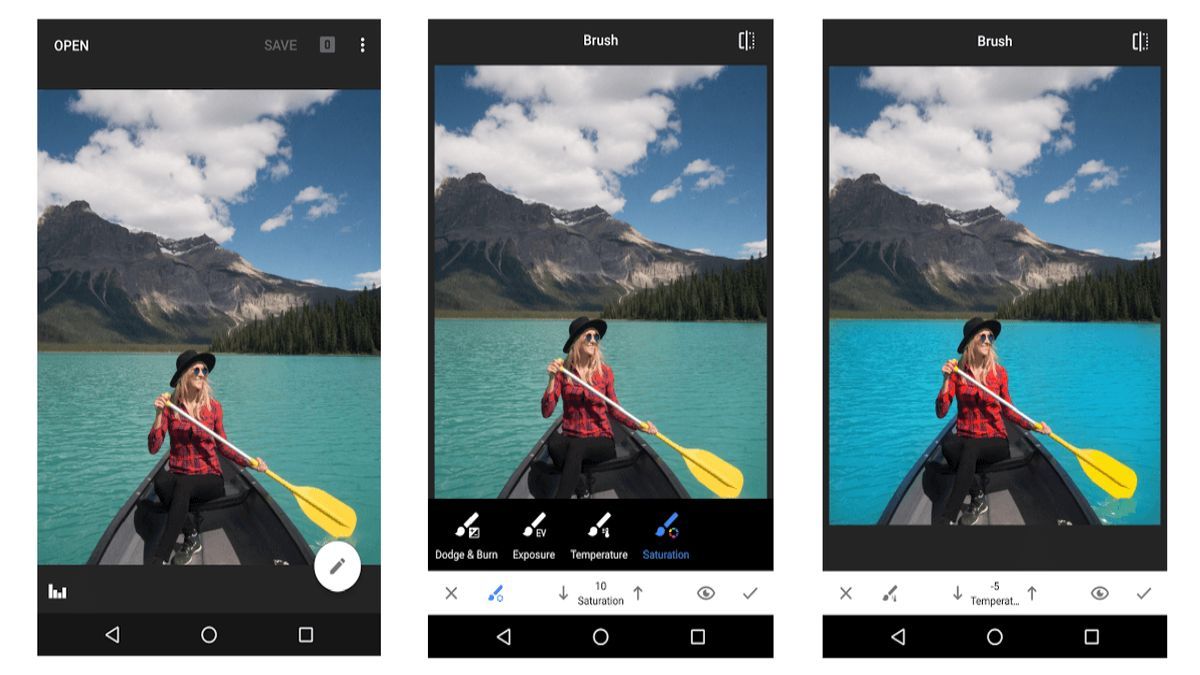
One of the standout features of Snapseed is its selective editing tool, which allows you to apply adjustments to specific areas of your image. This level of control enables you to highlight certain elements, correct imperfections, or create unique effects, giving your photos a professional touch. Additionally, Snapseed offers a variety of presets and filters that can instantly transform your photos with just a few taps.
While Snapseed provides a comprehensive set of editing tools, it may not have all the advanced features found in professional desktop software. Users looking for extremely detailed editing capabilities or specific niche tools may find Snapseed lacking in some areas. Additionally, due to the app's extensive range of features, it may take some time for new users to familiarize themselves with all the options available.
Overall, Snapseed is a versatile and user-friendly photo editing app that offers a wide range of tools and features to enhance your images. Whether you are a beginner looking to improve your photos or a professional photographer seeking to fine-tune your work, Snapseed provides the tools you need to unleash your creativity and take your photos to new heights.
Advertisement
Snapseed is a professional photo editing app developed by Google.
Yes, Snapseed is available for both iOS and Android devices.
Some key features of Snapseed include selective editing, healing brush, perspective correction, and filters.
Yes, Snapseed allows you to save your edited photos in high resolution.
Yes, Snapseed offers non-destructive editing, allowing you to revert to the original image at any time.