Advertisement
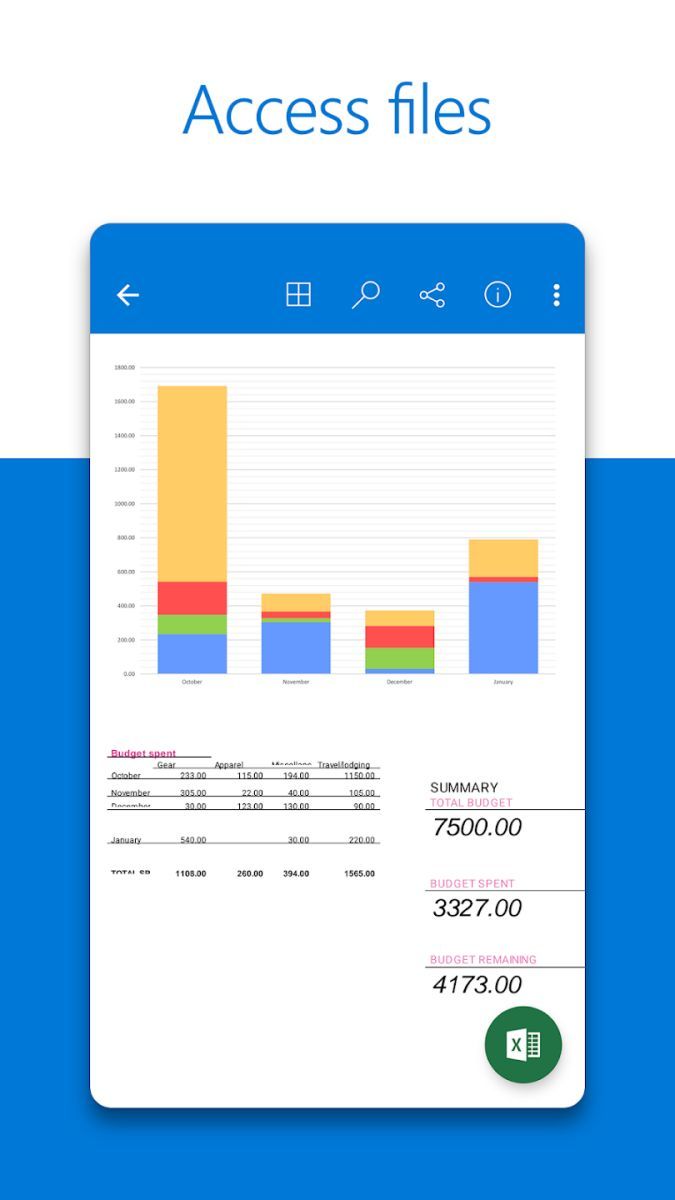
Access all your files on the go with Microsoft OneDrive
Store and share documents securely with Microsoft OneDrive
Backup your photos and videos effortlessly with Microsoft OneDrive
Advertisement
Microsoft OneDrive is a versatile cloud storage and file sharing application designed to streamline your digital life. Whether you are a busy professional, a student, or a creative individual, OneDrive offers a comprehensive solution to store, access, and share your files securely across all your devices.
One of the core features of Microsoft OneDrive is its seamless integration with the entire Microsoft Office suite. You can create, edit, and collaborate on documents, spreadsheets, and presentations directly from the app, making it an essential tool for productivity and teamwork.
Besides its office capabilities, OneDrive allows you to back up your photos, videos, and important documents in the cloud, ensuring that your valuable memories and files are safe and accessible anytime, anywhere. The automatic syncing feature ensures that your files are always up to date across all your devices.
Microsoft OneDrive offers a user-friendly interface that is easy to navigate, even for beginners. The intuitive design and seamless functionality make it a reliable choice for individuals and businesses looking for a secure cloud storage solution.
With OneDrive, you can easily share files with colleagues, collaborate in real-time on projects, and access your files offline when needed. The flexibility and convenience of OneDrive enhance your workflow and simplify the way you manage your digital assets.
Imagine being able to access your work files on your laptop, continue editing them on your tablet during your commute, and then present them from your smartphone in a meeting – all thanks to Microsoft OneDrive. Whether you are working remotely, studying at a university, or simply organizing your personal files, OneDrive adapts to your needs seamlessly.
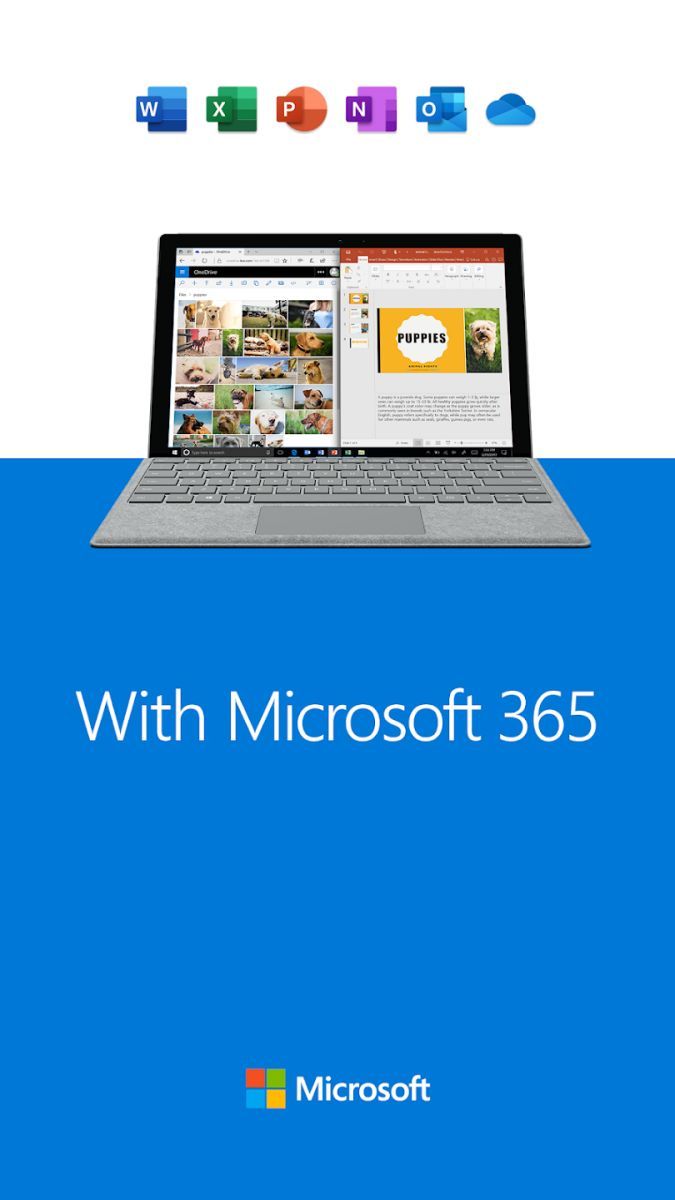
OneDrive stands out for its deep integration with the Microsoft ecosystem, offering a cohesive experience across Windows, Mac, iOS, and Android devices. The cross-platform compatibility ensures that you can access your files from any device, at any time, without compromising on security or quality.
Additionally, the generous storage options and affordable subscription plans make OneDrive a cost-effective solution for individuals and businesses of all sizes. The ability to restore previous file versions, collaborate in real-time, and access files offline further solidifies OneDrive's position as a top choice for cloud storage.
While Microsoft OneDrive offers a comprehensive set of features, users should be mindful of their storage limits based on their subscription plan. It is recommended to regularly review and manage your files to optimize storage space and ensure smooth performance across devices.
Overall, Microsoft OneDrive is a powerful tool that combines convenience, security, and flexibility to meet the diverse needs of modern users. Whether you are organizing your personal files, collaborating with colleagues, or backing up important documents, OneDrive provides a reliable solution to simplify your digital life.
Advertisement
Microsoft OneDrive offers 5 GB of free storage space for all users.
Yes, Microsoft OneDrive is accessible on various devices including smartphones, tablets, and computers.
Yes, you can easily share files and folders with others by sending them a link through Microsoft OneDrive.
Yes, Microsoft OneDrive provides automatic backup for photos and videos taken with your devices.
Yes, Microsoft OneDrive allows real-time collaboration on documents with others, making it easy to work together.