Advertisement
Store your files safely in the cloud with Dropbox
Access your documents from anywhere with Dropbox
Share files securely with colleagues using Dropbox
Advertisement
Dropbox is a leading cloud storage solution that provides a secure and efficient way for office users to store, share, and access their files from anywhere. With its user-friendly interface and robust features, Dropbox has become a go-to platform for individuals and teams looking to streamline their workflow and collaborate seamlessly.
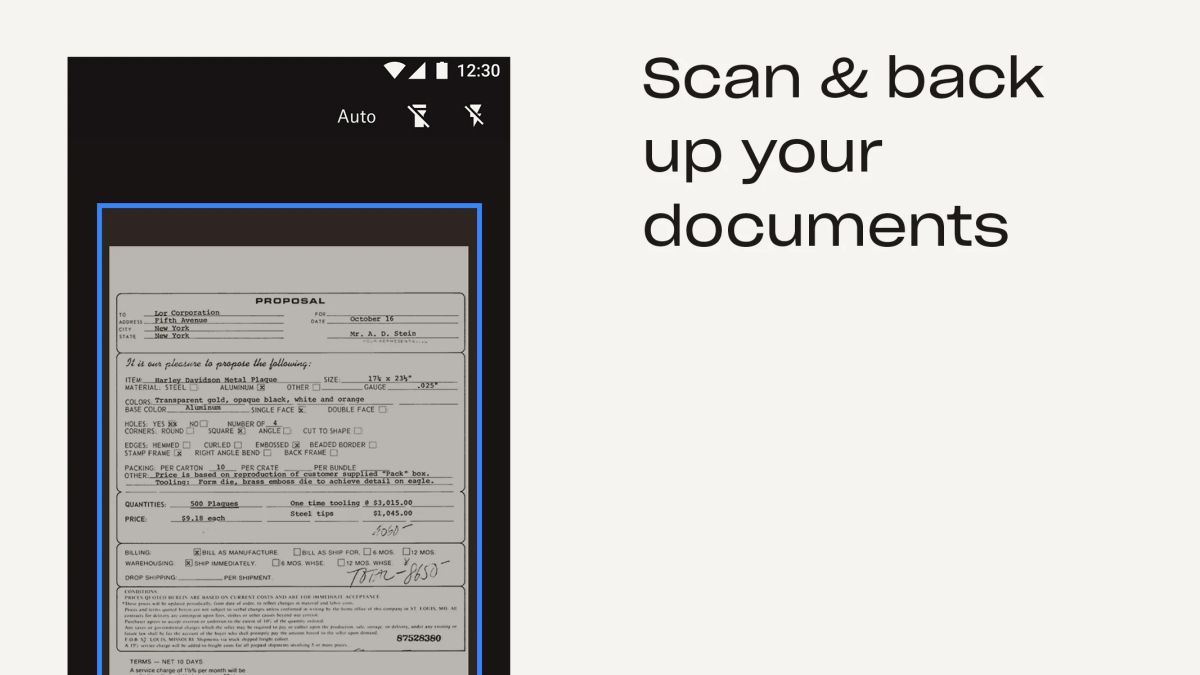
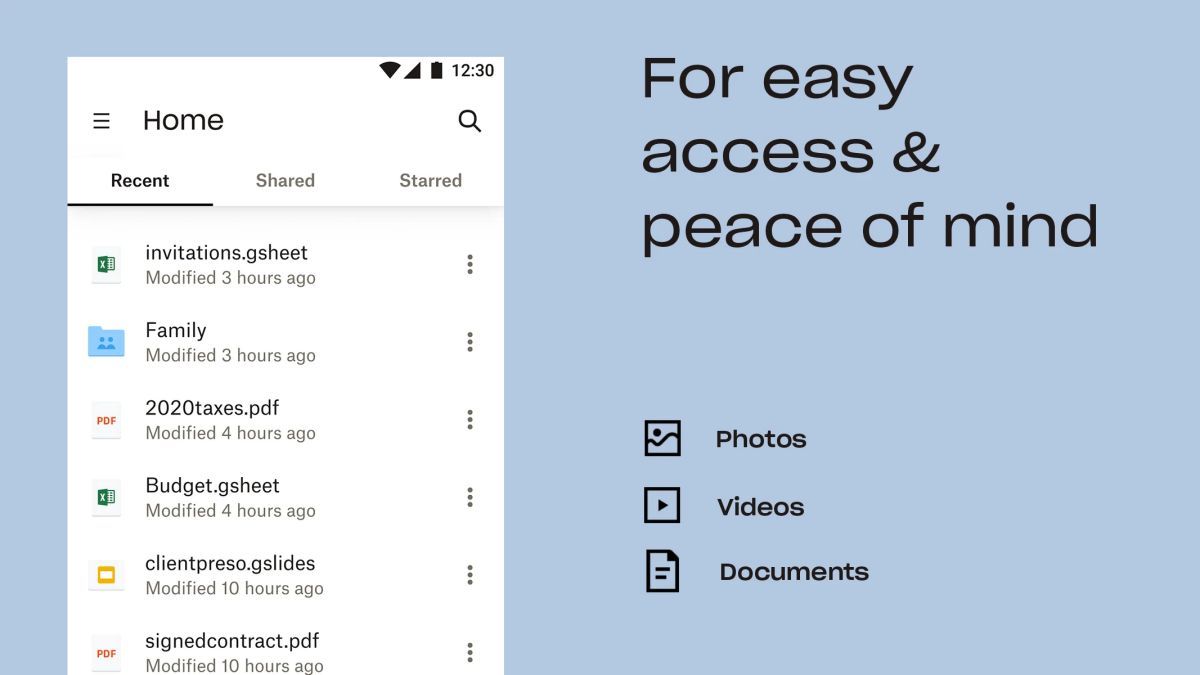
Dropbox offers a range of features designed to enhance productivity and simplify file management. Users can upload various file types, including documents, images, and videos, and access them on any device. The platform also allows for easy sharing and collaboration, making it ideal for teams working on projects together.
One of the key advantages of Dropbox is its seamless integration with popular office productivity tools like Microsoft Office and Google Workspace. This integration enables users to edit documents, spreadsheets, and presentations directly within Dropbox, eliminating the need to switch between multiple applications.
Furthermore, Dropbox's file synchronization capabilities ensure that users always have the latest version of their files, whether they are working from their desktop, laptop, or mobile device. This real-time syncing feature enhances collaboration and prevents version control issues.
Office users can leverage Dropbox in various scenarios, such as:
What sets Dropbox apart is its commitment to security and data privacy. The platform employs advanced encryption protocols to protect user data, giving businesses and individuals peace of mind when storing sensitive information in the cloud. Additionally, Dropbox's intuitive interface and seamless cross-platform compatibility make it easy for users to adopt and incorporate into their daily workflow.
While Dropbox offers a range of powerful features, users should be mindful of their storage limits, especially when dealing with large files or extensive collaboration projects. Additionally, internet connectivity is crucial for real-time syncing and accessing files on the go, so users in areas with unreliable internet may experience limitations in functionality.
Overall, Dropbox remains a top choice for office users seeking a secure and reliable cloud storage solution that enhances collaboration and productivity.
Advertisement
You can access your files on Dropbox by logging into your account on the Dropbox website or using the Dropbox mobile app.
Yes, Dropbox is known for its secure cloud storage solutions with features like encryption, two-step verification, and file recovery options.
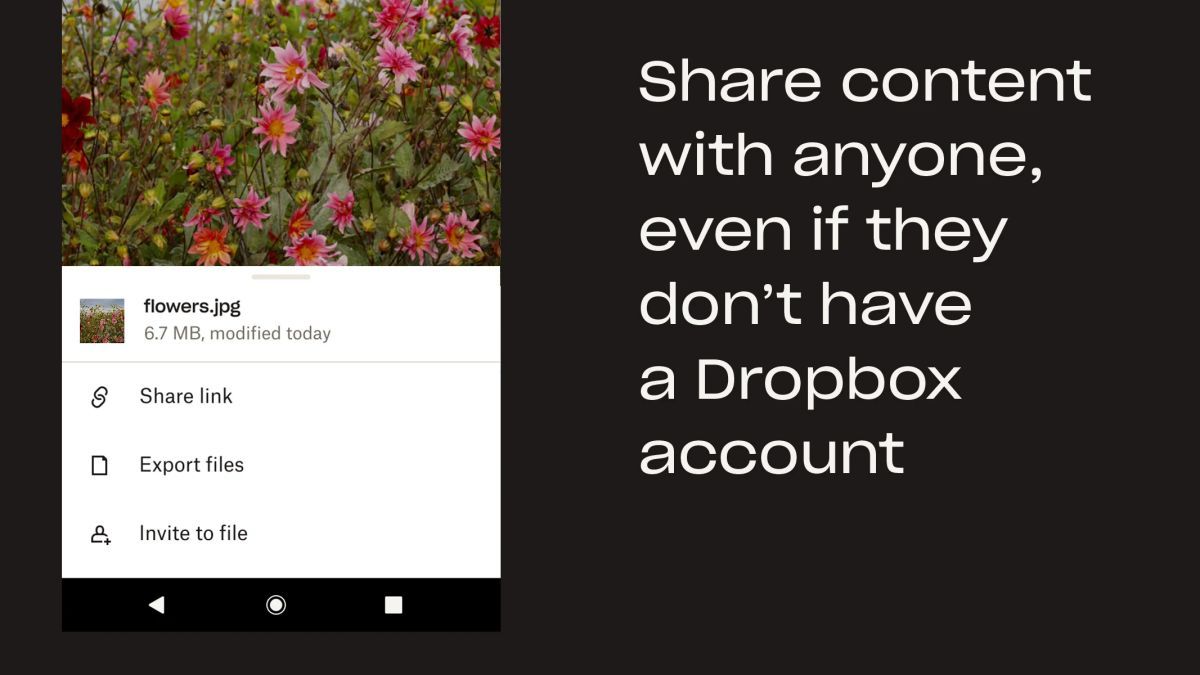
Yes, you can easily share files with others on Dropbox by sending them a link or inviting them to collaborate on specific files or folders.
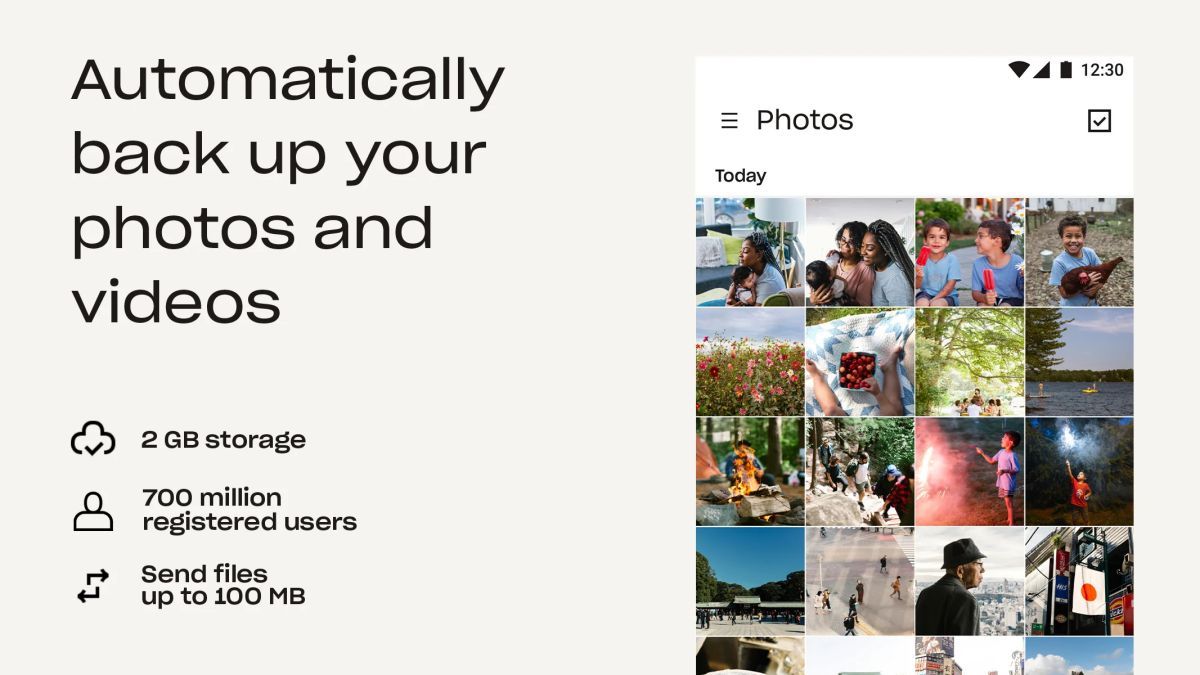
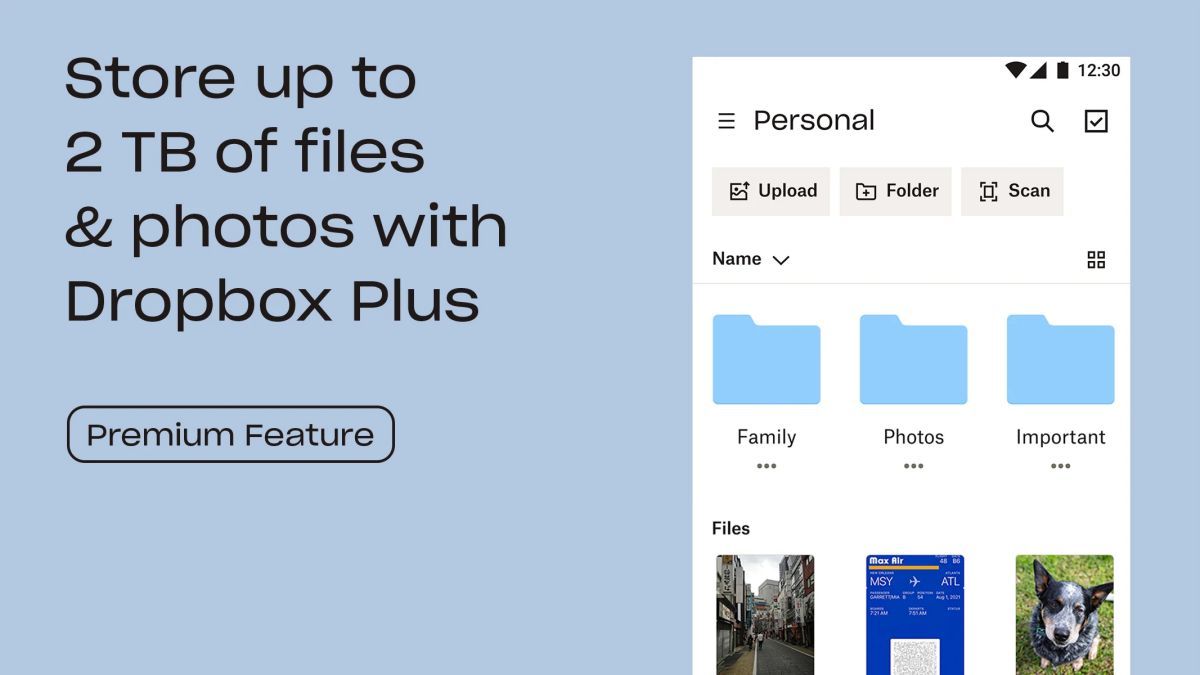
Dropbox offers different storage plans, but the basic free plan includes 2 GB of storage space, with options to upgrade for more storage.
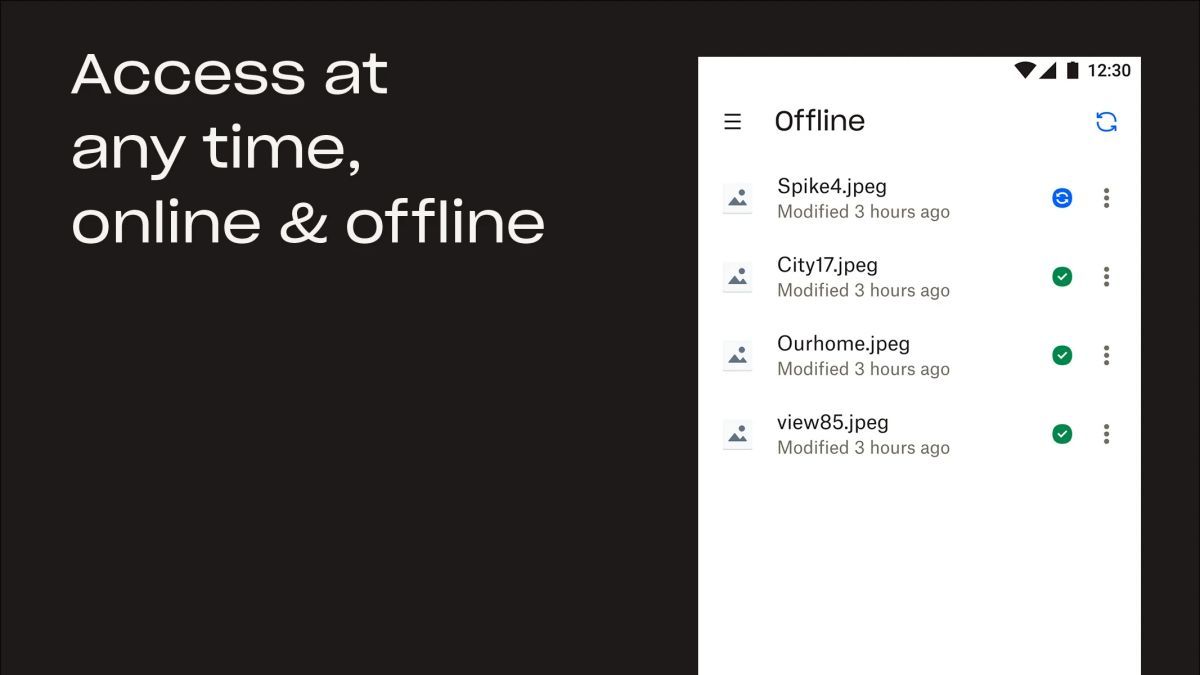
Yes, you can access your Dropbox files offline by marking them as 'offline' on the Dropbox mobile app, allowing you to view them without an internet connection.