Advertisement
Streamline communication with colleagues using Microsoft Teams
Collaborate on projects seamlessly with Microsoft Teams
Stay connected with your team no matter where you are using Microsoft Teams
Advertisement
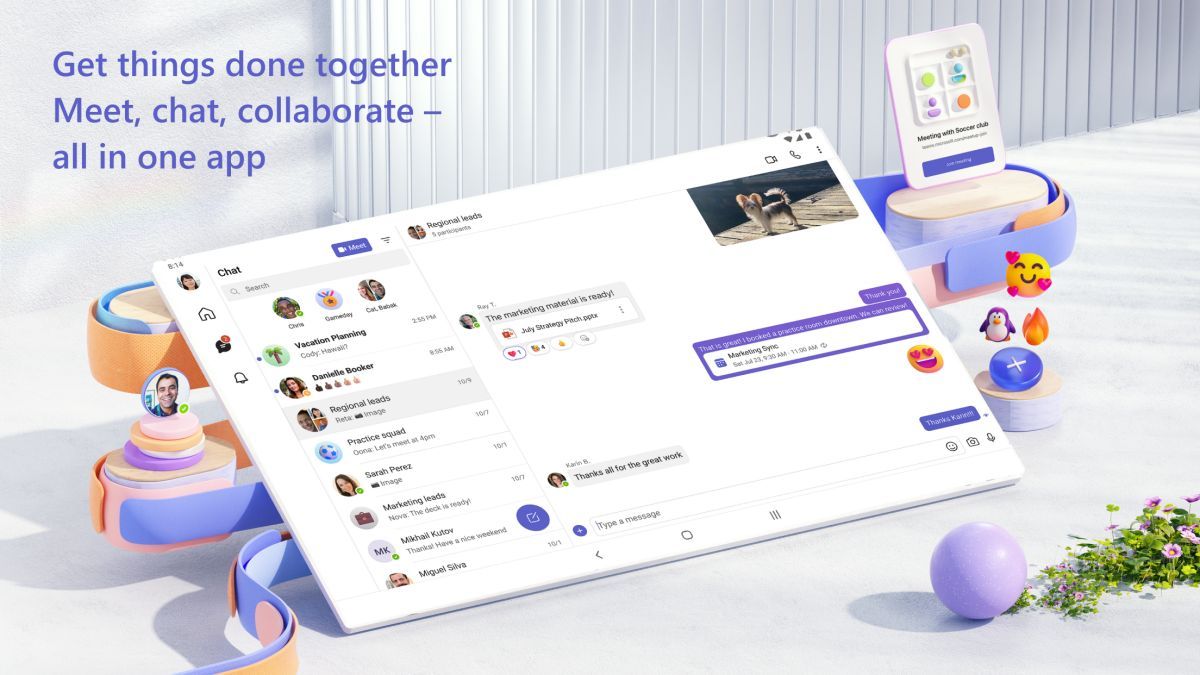
Microsoft Teams is a powerful communication and collaboration platform designed for businesses and organizations to enhance teamwork and productivity within the Office environment. With a wide range of features and seamless integration with other Microsoft Office applications, Teams is the go-to solution for modern workplaces looking to streamline their communication and collaboration processes.
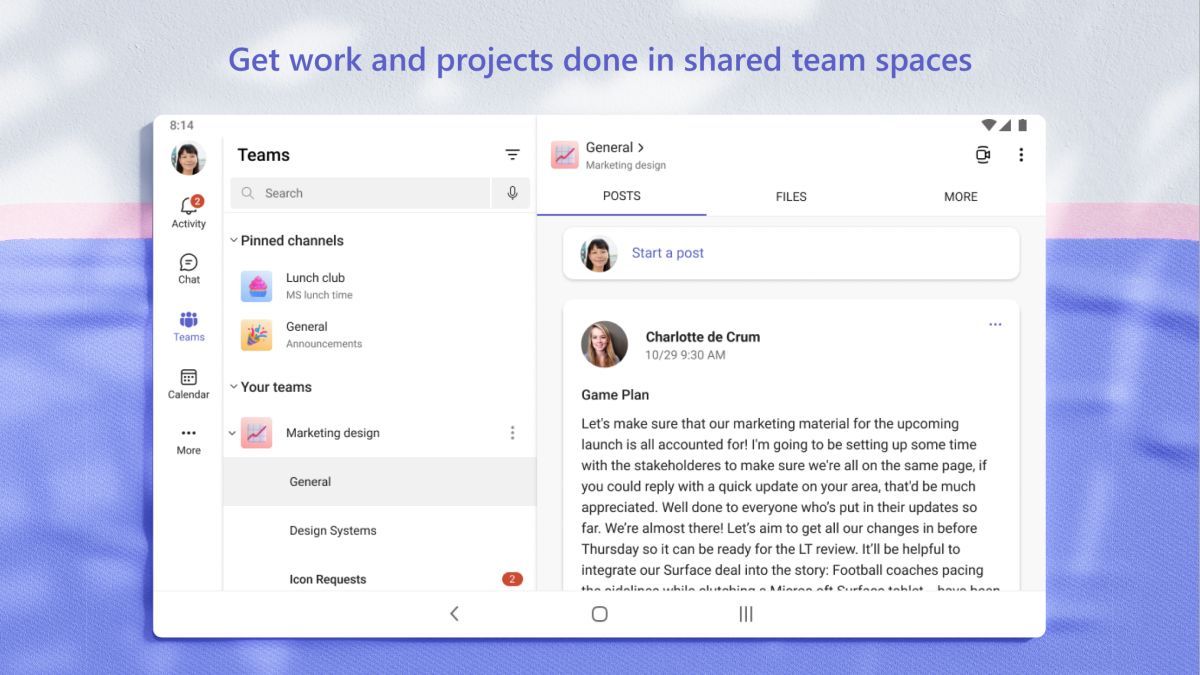
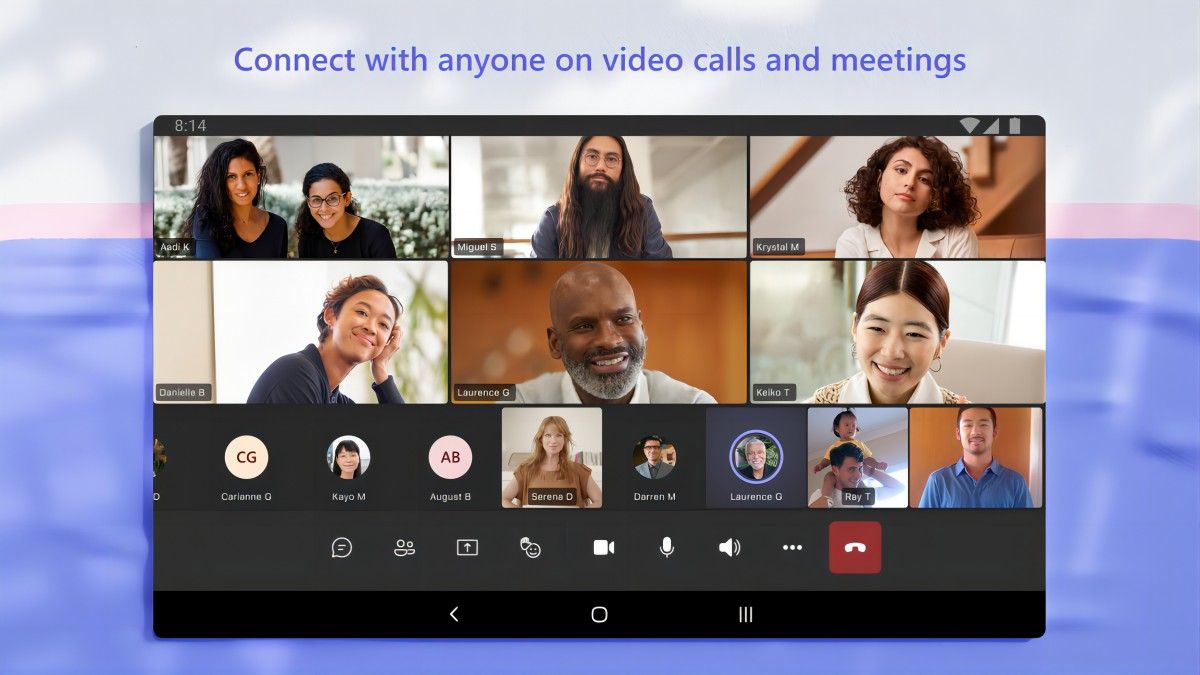
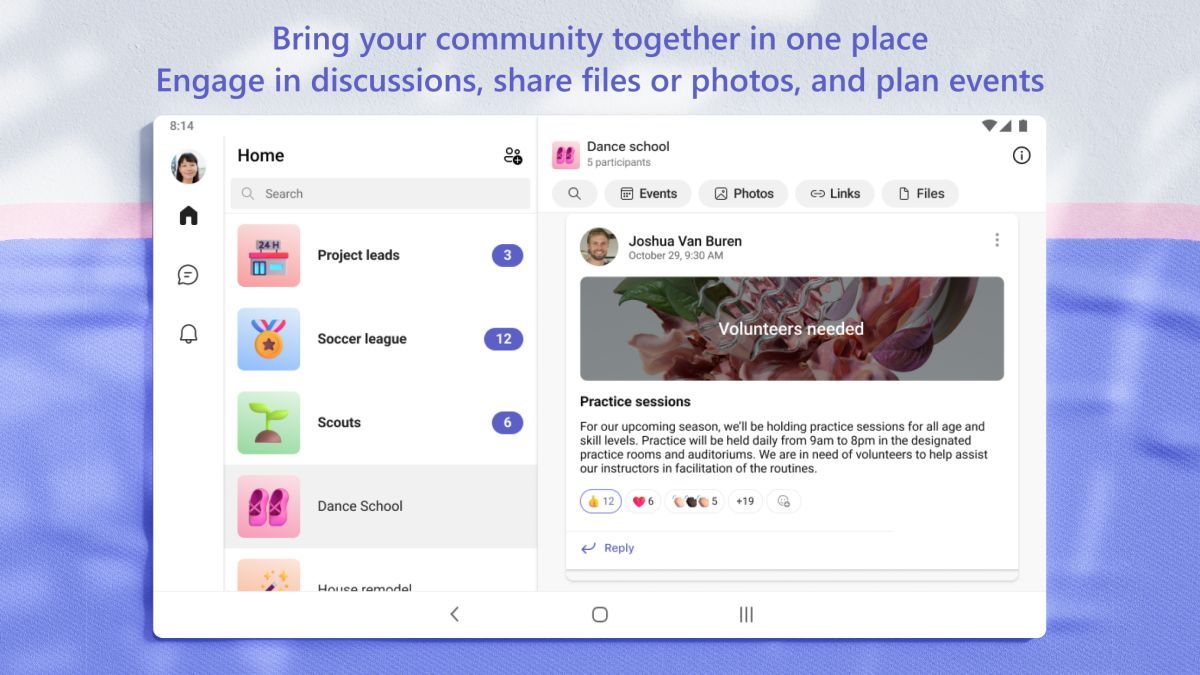
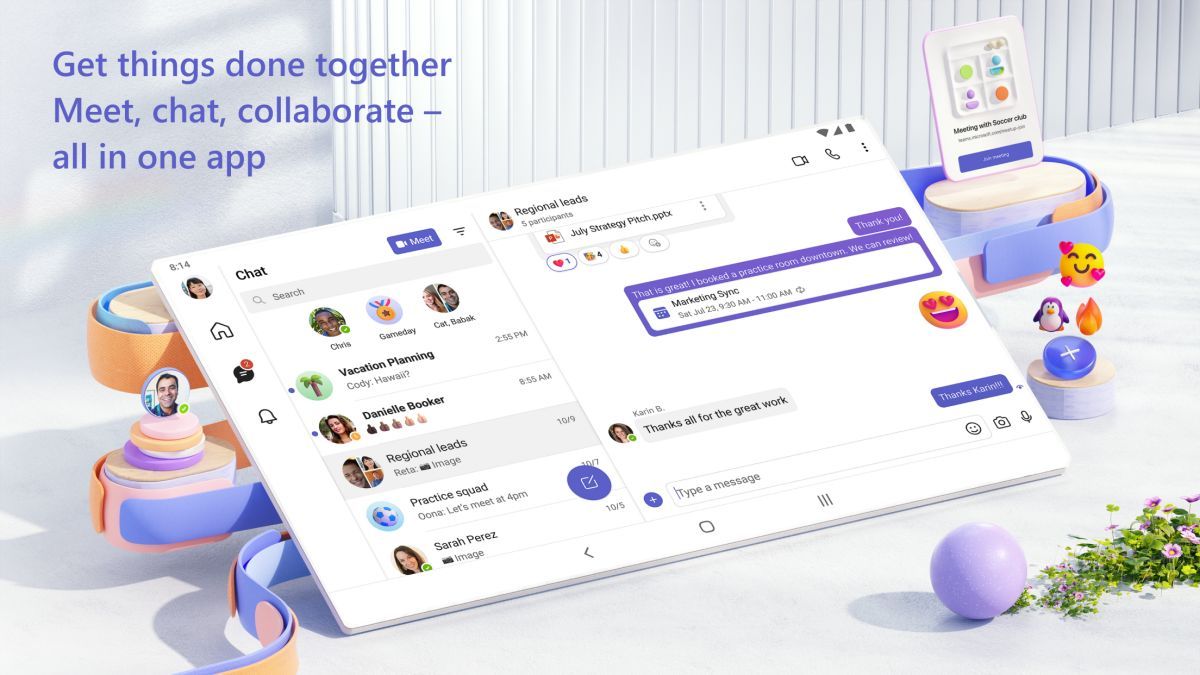
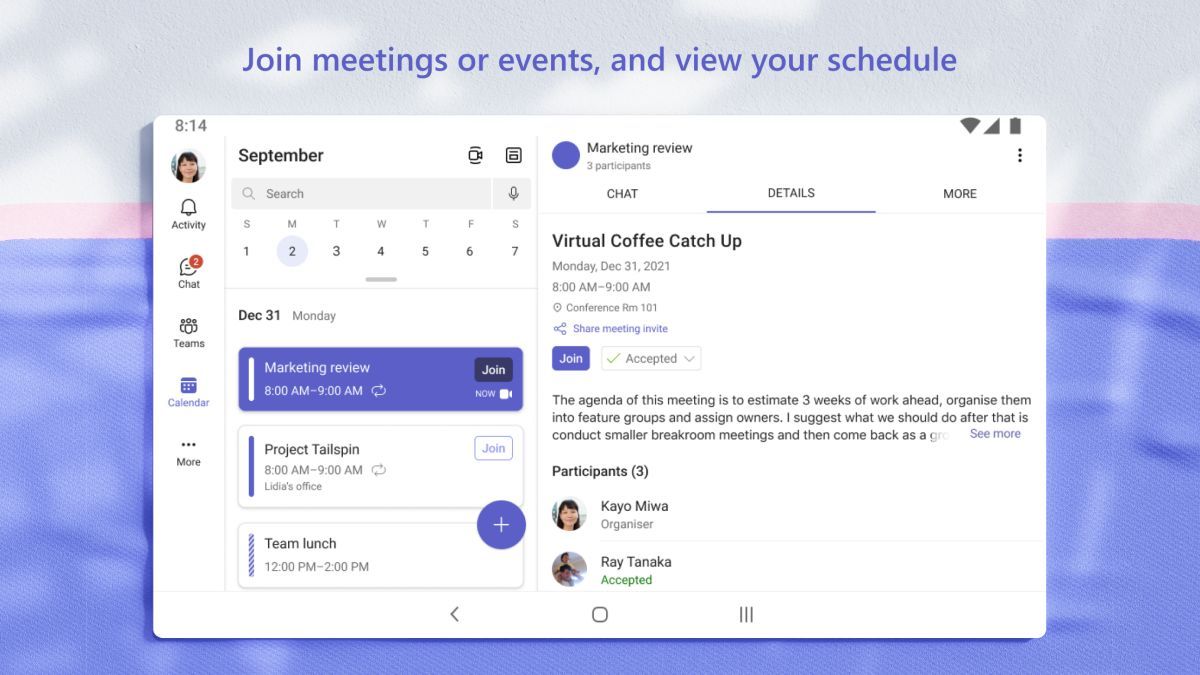
At its core, Microsoft Teams offers a centralized hub for team communication, combining chat, video conferencing, file sharing, and project management tools in one cohesive platform. Users can create teams for different projects or departments, chat in real-time, schedule and join video meetings, and collaborate on documents in a shared workspace.
Teams provides a seamless and intuitive user experience, allowing team members to easily connect and collaborate from anywhere, on any device. The integration with Office 365 applications like Word, Excel, and PowerPoint enables smooth file sharing and editing, making teamwork more efficient and productive.
Microsoft Teams is ideal for remote teams, cross-departmental projects, and organizations with geographically dispersed employees. It facilitates seamless communication, fosters collaboration, and ensures that everyone stays connected and informed, regardless of their physical location.
One of the standout features of Microsoft Teams is its deep integration with other Microsoft Office products. This seamless connectivity allows for a more streamlined workflow, eliminating the need to switch between different applications and enhancing overall productivity. Additionally, Teams offers a wide range of customization options, allowing users to tailor the platform to their specific needs and preferences.
While Microsoft Teams provides a comprehensive set of collaboration tools, users may need some time to familiarize themselves with all the features and functionalities. Additionally, organizations with strict data security requirements may need to implement additional measures to ensure compliance when using the platform.
Advertisement
To schedule a meeting in Microsoft Teams, go to the Calendar tab and click on 'New Meeting'.
Yes, you can share your screen during a Microsoft Teams meeting by clicking on the 'Share' button.
You can chat with your colleagues in Microsoft Teams by selecting the Chat tab and choosing a contact to start a conversation.
Yes, you can integrate third-party apps with Microsoft Teams using the 'Apps' feature.
Yes, you can make audio and video calls in Microsoft Teams by selecting the Calls tab and choosing the type of call you want to make.