Advertisement
Create personalized gifts with Design Space
Unleash your creativity with DIY projects using Cricut
Design and customize your own home decor with Cricut and Design Space
Advertisement
Design Space: DIY with Cricut is the ultimate companion for all craft enthusiasts looking to bring their creative ideas to life. Whether you're a seasoned crafter or just starting out on your DIY journey, this app is designed to cater to your every need, making crafting easier and more fun than ever before.
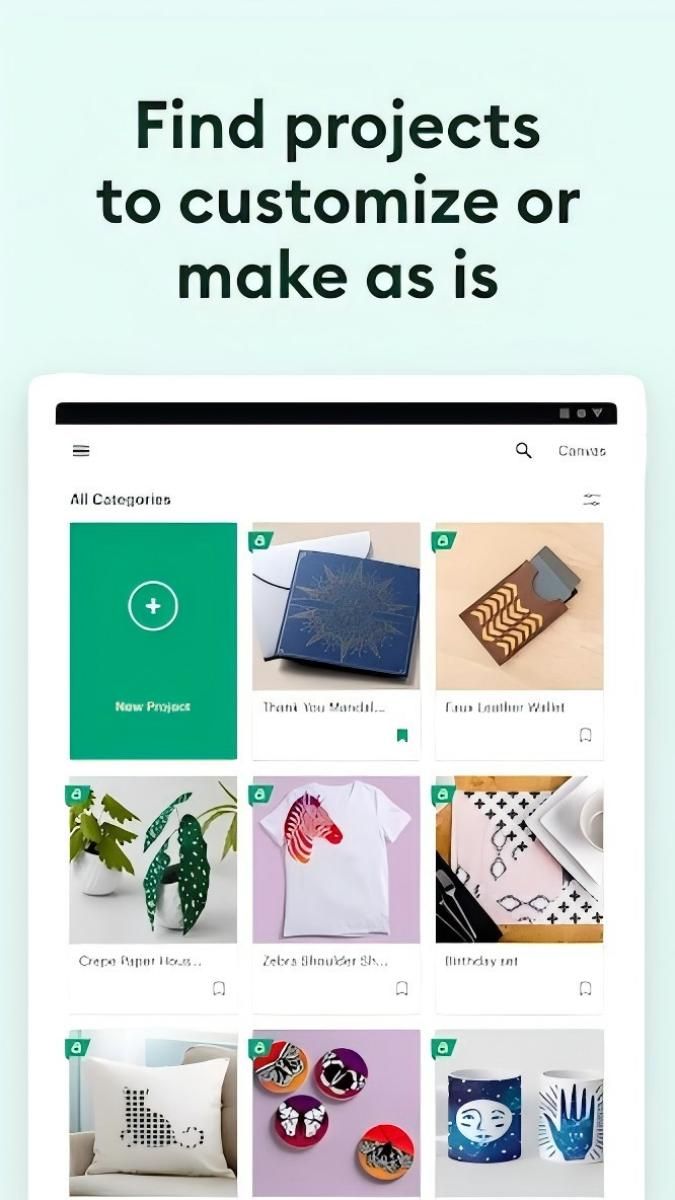
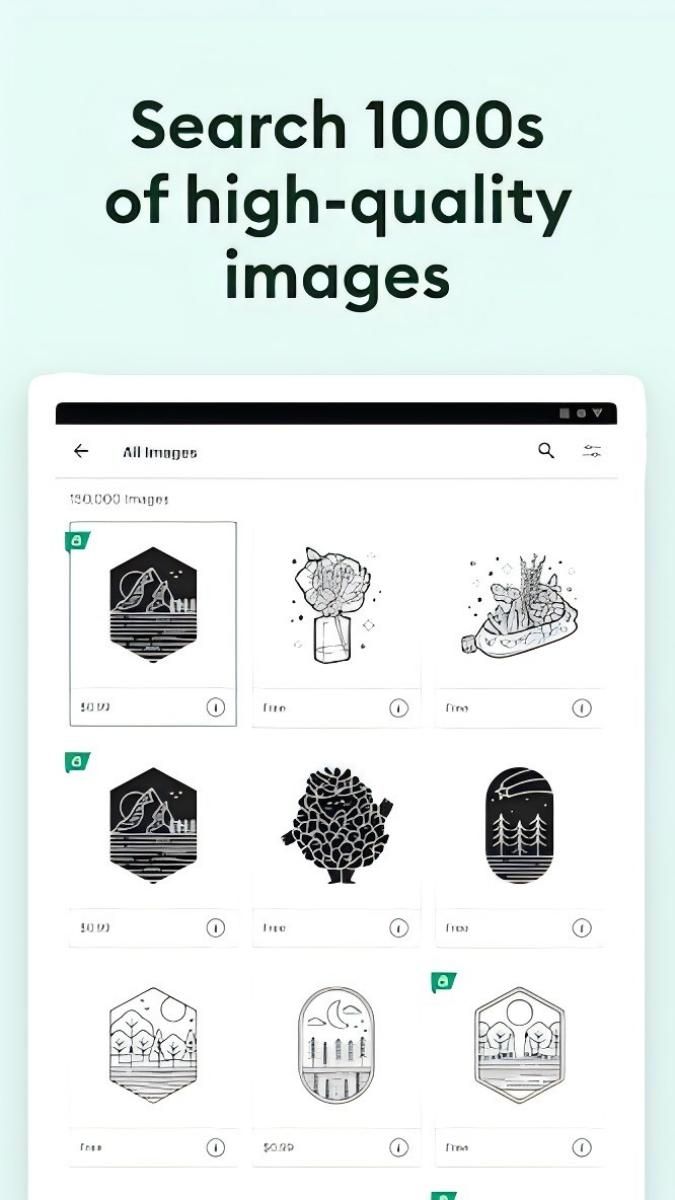
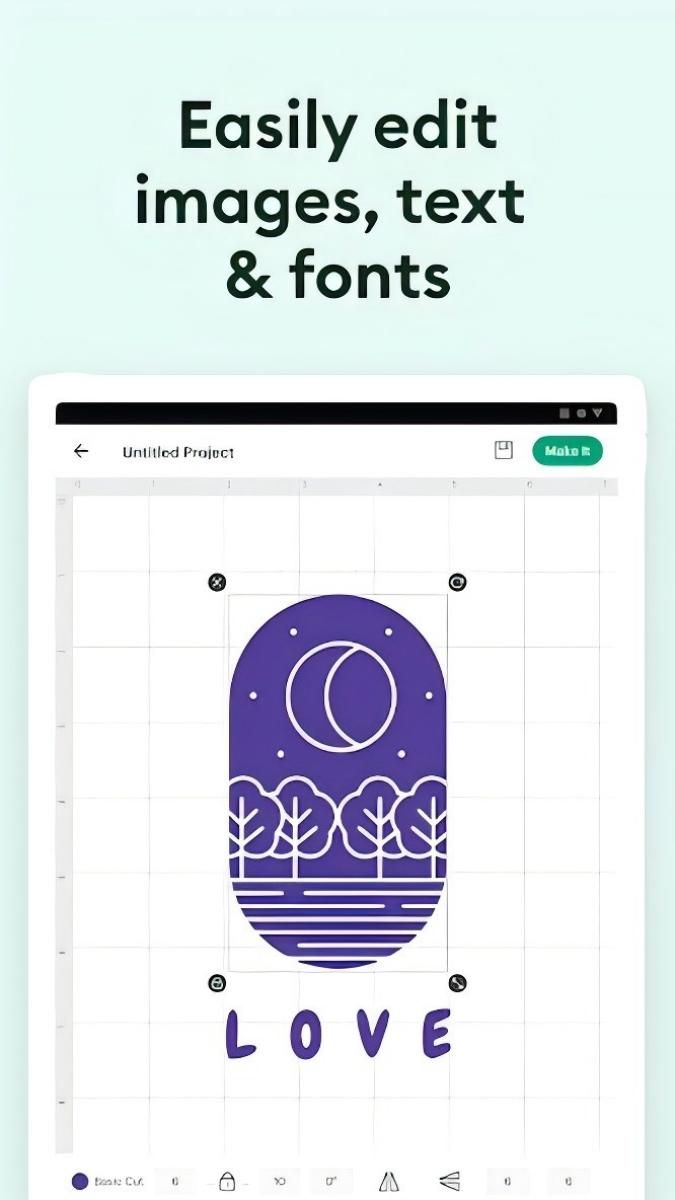
With Design Space, you can access a wide range of design tools and resources to create personalized projects across various categories such as home decor, fashion, accessories, and more. The app allows you to customize designs, choose from a vast library of images and fonts, and seamlessly integrate with Cricut cutting machines for precise cutting and crafting.
The practical value of Design Space lies in its user-friendly interface and intuitive design features that simplify the crafting process. Whether you're designing a custom t-shirt, creating intricate paper crafts, or personalizing gifts for loved ones, this app streamlines the entire DIY experience, ensuring seamless execution of your creative vision.
Design Space is perfect for a variety of crafting projects, including customizing apparel, designing decals for home decor, creating personalized gifts, and even crafting unique party decorations. The app caters to both hobbyists and professionals, offering a versatile platform to unleash your creativity in countless ways.
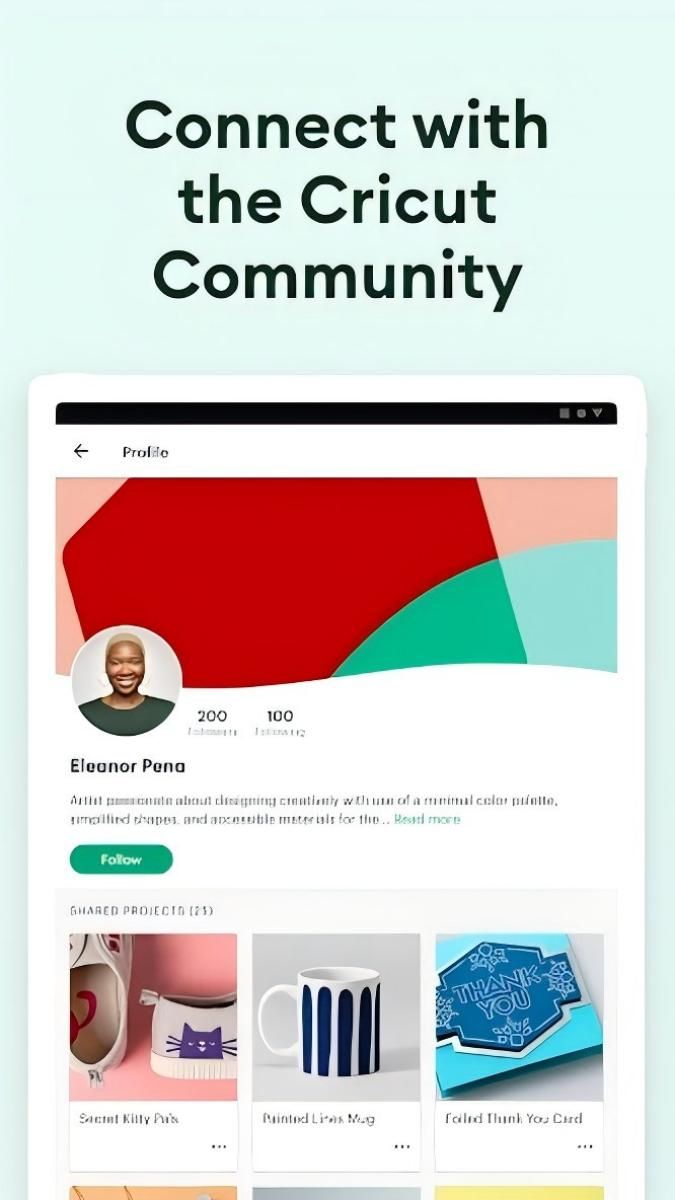
One of the standout features of Design Space is its seamless integration with Cricut cutting machines, allowing users to effortlessly transition from design to production. The app also offers cloud storage for easy access to your projects across devices, along with collaborative features to share designs with friends and fellow crafters.
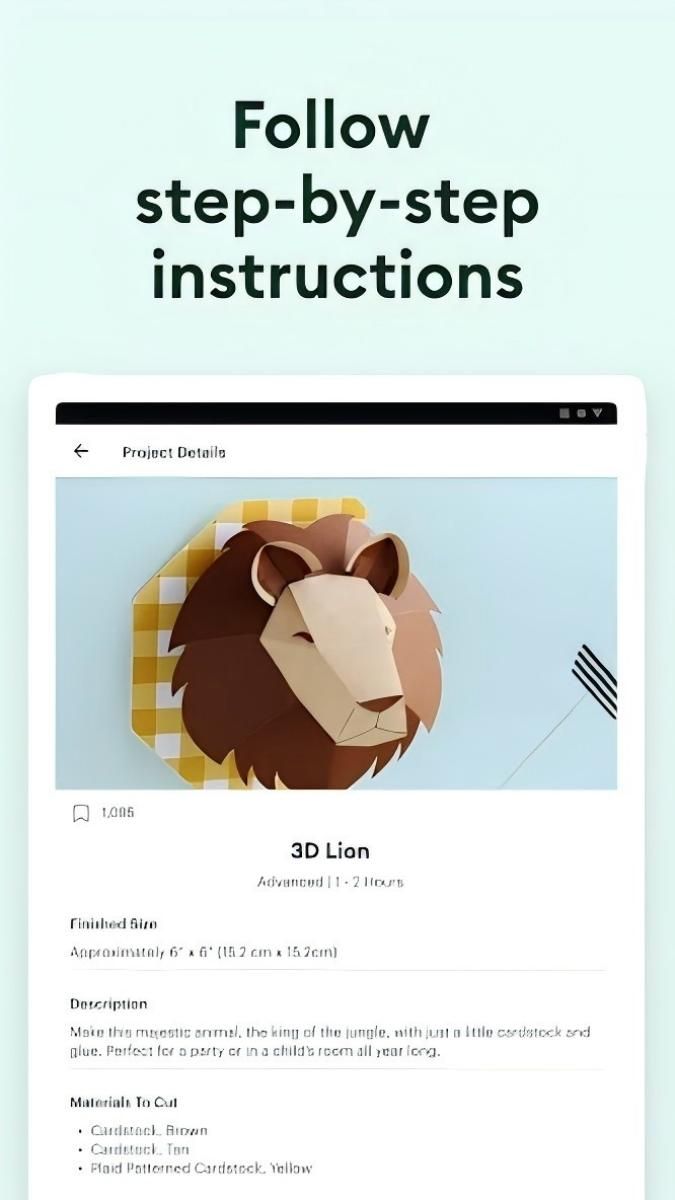
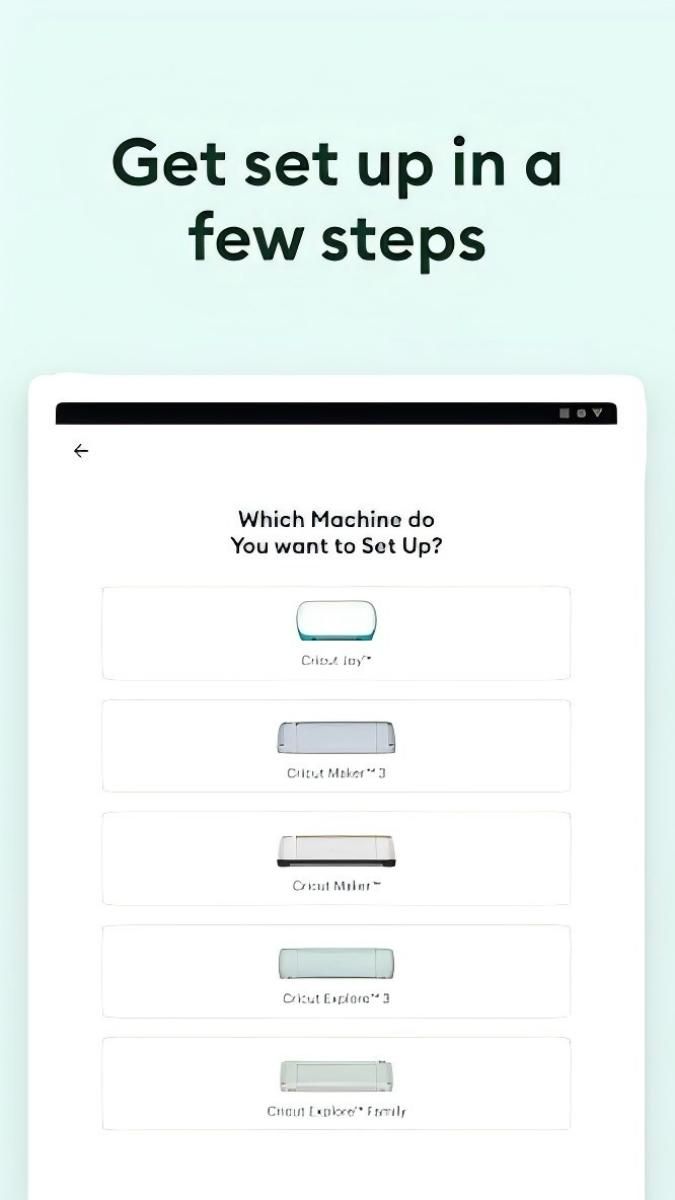
While Design Space offers a wide range of design options, some advanced features may require a subscription for full access. Additionally, users should ensure compatibility with their Cricut machines and materials to optimize crafting results. It's recommended to explore tutorials and guides within the app for a smoother crafting experience.
Overall, Design Space: DIY with Cricut is a must-have app for anyone passionate about crafting and DIY projects. From customized creations to professional-grade designs, this app empowers users to explore their artistic potential and transform their ideas into tangible masterpieces.
Advertisement
You can create a wide range of DIY projects such as custom stickers, personalized apparel, home decor, and more.
Yes, Design Space is designed to be user-friendly for beginners and offers tutorials to help you get started.
Yes, you can upload your own designs or choose from a library of ready-to-make projects in Design Space.
Yes, Design Space is compatible with all Cricut machines, allowing you to create with ease.
Yes, you can access Design Space on your mobile device to design and create on the go.